Understanding what BIOS is helps users learn how computers start and manage hardware. It’s one of the first programs that runs when a computer is powered on.
Technology experts explain that BIOS acts as a bridge between hardware and software during startup, making sure all components are ready to function properly.
What Is BIOS and Why It Matters
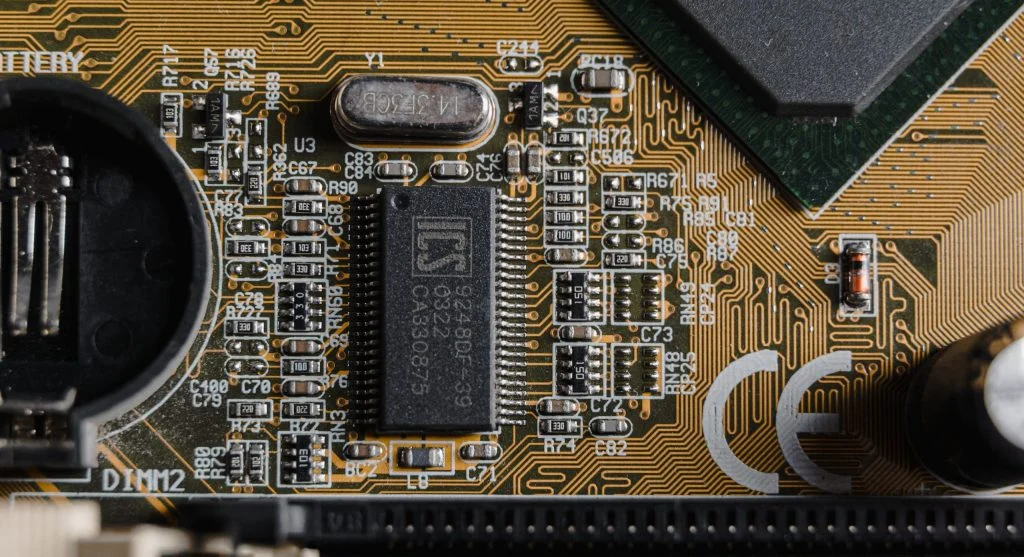
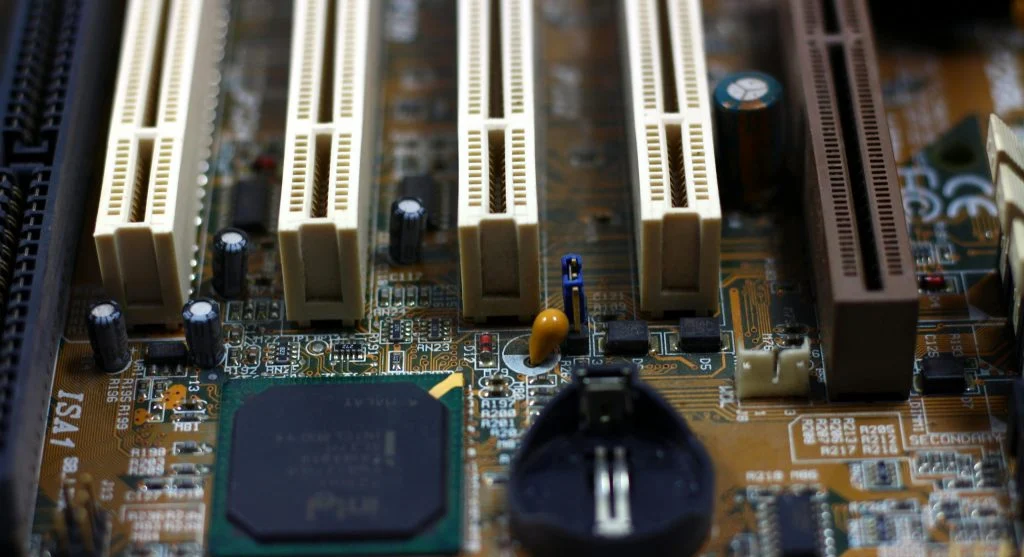
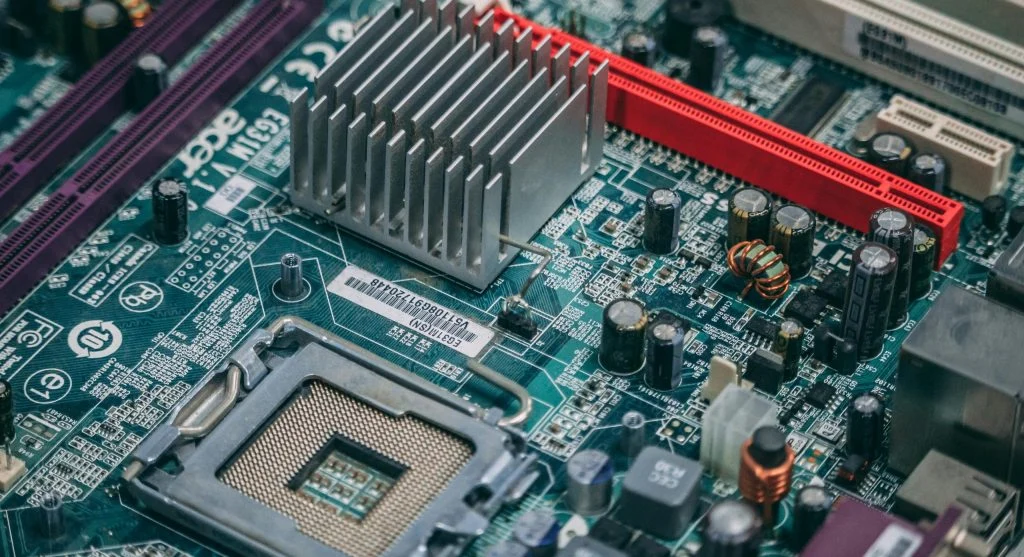
BIOS stands for Basic Input/Output System. It is firmware stored on the motherboard.
When exploring what BIOS is, it’s important to understand that it initializes hardware components before the operating system begins to load.
Experts note that BIOS plays a critical role in the startup process, ensuring the system is ready to run.
To better understand what BIOS is, it helps to look at how it functions during startup. When a computer is powered on, BIOS runs a system check to make sure everything is working properly.
This process is known as POST (Power-On Self-Test). It checks key hardware components such as RAM, the CPU, and storage devices.
Experts explain that once these checks are complete, BIOS moves on to loading the operating system.
Main Functions of BIOS
BIOS is responsible for several essential tasks, including initializing hardware and handling basic system configuration.
It also manages core input and output operations.
Experts note that BIOS plays a key role in keeping communication between hardware components smooth and reliable.
BIOS problems can affect system startup. Incorrect settings may prevent the system from booting.
Experts suggest resetting BIOS settings if issues occur.
Updating firmware may also fix problems.
Frequently Asked Questions
Q: What is BIOS in simple terms?
A: It is firmware that starts the computer and checks hardware.
Q: Is BIOS important?
A: Yes, it is essential for system startup and hardware control.
Q: Can BIOS be updated?
A: Yes, updates can improve compatibility and performance.
Q: What is the difference between BIOS and UEFI?
A: UEFI is a modern version with more features and faster performance.
Key Takeaway
BIOS is an essential concept in understanding how computers start and function. BIOS initializes hardware and loads the operating system. Knowing its role helps users manage system settings and troubleshoot startup issues.