

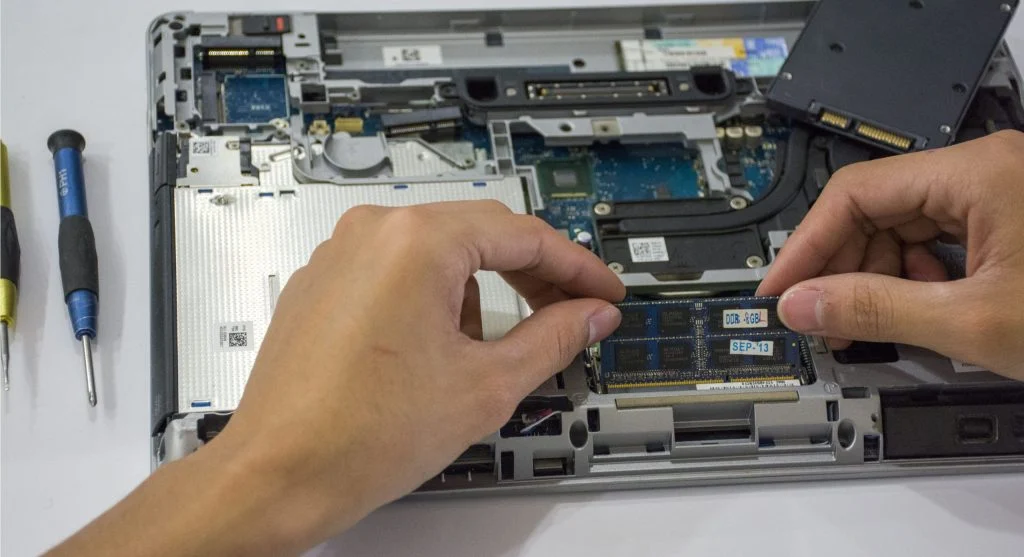
Many people assume that upgrading their computer will automatically make it much faster. Adding more RAM, installing a faster SSD, or replacing the processor seems like it should solve every performance problem.
In reality, that is not always the case. Technology experts explain that overall performance depends on how every part of the system works together, not simply on upgrading a single component.
Why People Expect Every Upgrade to Improve Performance
It is natural to think that better hardware equals better speed. After all, newer components are designed to perform more efficiently than older ones.
However, a computer is a combination of many parts working together. If only one component is upgraded while the others remain the same, the overall improvement may be much smaller than expected. Performance is based on balance, not just individual parts.
The Bottleneck Effect
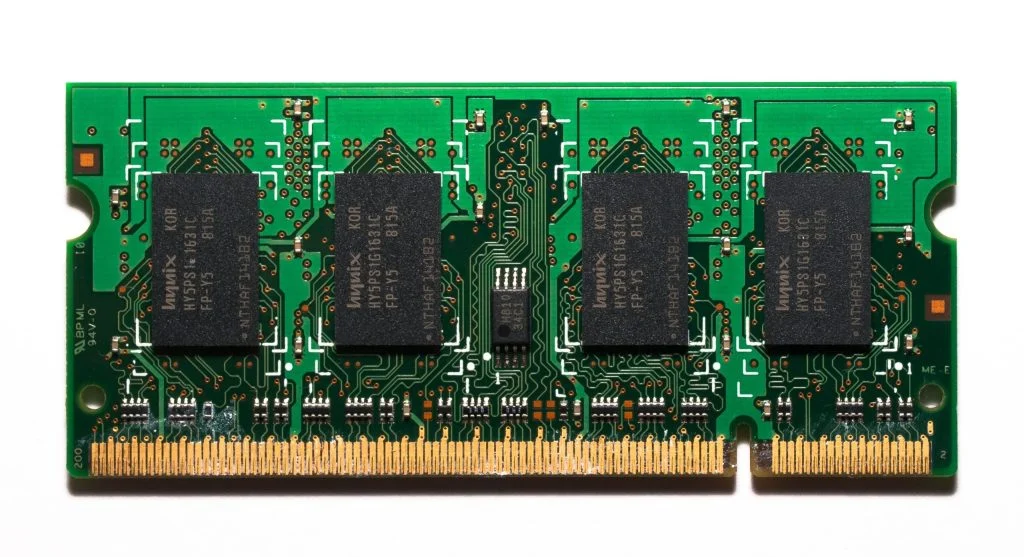
One of the biggest reasons upgrades sometimes disappoint is something known as a bottleneck. This happens when one component limits the performance of the rest of the system.
For example, installing a high-speed SSD may not produce dramatic improvements if the processor is outdated or the computer does not have enough memory. Likewise, a powerful processor cannot perform at its best if another part of the system cannot keep up.
When one area slows everything else down, the benefits of an upgrade become much less noticeable.
Software Still Has a Huge Impact
Even the best hardware cannot overcome software-related issues.
Programs running in the background, startup applications, outdated software, unnecessary files, or poorly optimized programs can all reduce system performance. These problems remain even after installing new hardware.
That is why improving hardware does not automatically eliminate every cause of a slow computer. Software still plays a major role in how responsive a system feels.
Expectations Often Become Unrealistic
Many users expect their computer to feel dramatically different immediately after an upgrade.
When everyday tasks seem only slightly faster, it can feel as though the upgrade failed. In many situations, however, the hardware is working exactly as intended. The difference simply is not as dramatic as the user imagined.
This often comes down to expectations rather than a problem with the new component.
Not Every Program Uses Upgraded Hardware
Another important factor is that different applications use computer hardware in different ways.
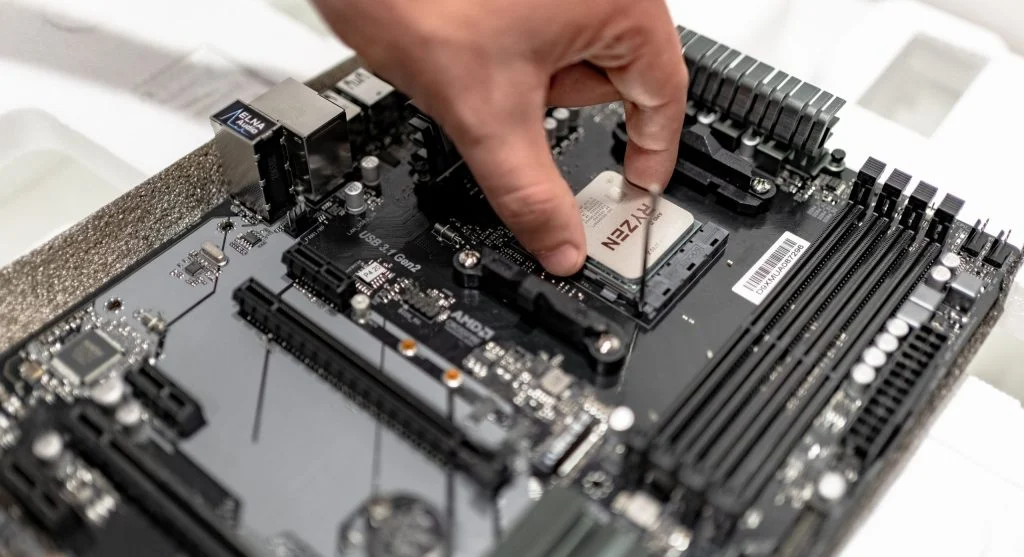
Some programs are designed to take advantage of additional memory, faster storage, or more powerful processors. Others rely very little on those improvements.
As a result, certain tasks may become noticeably faster while others show little or no visible change. The benefits of an upgrade depend largely on whether the software is designed to use the new hardware efficiently.
Everyday Habits Still Affect Performance
Upgrading components does not change the way a computer is used.
Running too many applications at the same time, leaving dozens of browser tabs open, skipping regular maintenance, or constantly performing demanding tasks can still slow the system down.
If these habits remain unchanged, some performance problems may continue even after new hardware is installed.
When Hardware Upgrades Make the Biggest Difference
Hardware upgrades are most effective when they solve a specific performance limitation.
For example, adding more RAM can provide a significant improvement if the computer regularly runs out of memory while multitasking. Replacing a traditional hard drive with a solid-state drive can greatly improve boot times if slow storage is the main issue.
On the other hand, upgrading parts without first identifying the real problem may produce only small improvements and unnecessary expense.
Frequently Asked Questions
Q: Why didn’t my upgrade make my computer faster?
A: Because performance depends on the whole system, not one part.
Q: What is a bottleneck?
A: A component that limits overall system performance.
Q: Should I upgrade my computer?
A: Only after identifying the actual performance issue.
Q: Can software affect performance after upgrade?
A: Yes, software plays a major role.
Key Takeaway
Upgrading your computer does not automatically guarantee a faster experience. Real performance depends on a balanced combination of hardware, software, and everyday usage. Identifying the actual cause of slow performance before upgrading is often far more effective than simply replacing parts at random.