

When you first buy a computer, everything feels instant. Apps open quickly, files load fast, and the system responds without delay.
But after months—or even weeks—you may notice something changing. The same computer starts to feel slower, even though nothing major has changed.
So what actually causes this slowdown?
The “Fresh System” Effect
A new computer runs only essential processes. There are fewer background tasks, minimal clutter, and optimized performance.
This creates the feeling of speed.
Over time, that clean state slowly disappears.
Software Build-Up Over Time
Every new app you install adds background services, startup tasks, or updates.
Even if you rarely use those apps, they may still run silently.
This gradually increases system load.
Background Processes Multiply
Modern software often runs in the background to stay updated or synced.
Cloud apps, messaging tools, and system services all compete for resources.
This constant activity reduces available performance.
Temporary Files and Hidden Data
As you use your computer, it stores temporary data like cache and logs.
These files are meant to help performance, but too many can have the opposite effect.
They create clutter that slows down operations.
Startup Programs Increase Quietly
Many apps automatically add themselves to startup without asking clearly.
This means your system loads more tasks every time it boots.
As a result, startup becomes slower over time.
System Updates Change Performance
Updates improve features and security, but they may also require more resources.
Older hardware may struggle to keep up with newer software demands.
This creates a noticeable slowdown.
Storage Wear and Usage Patterns
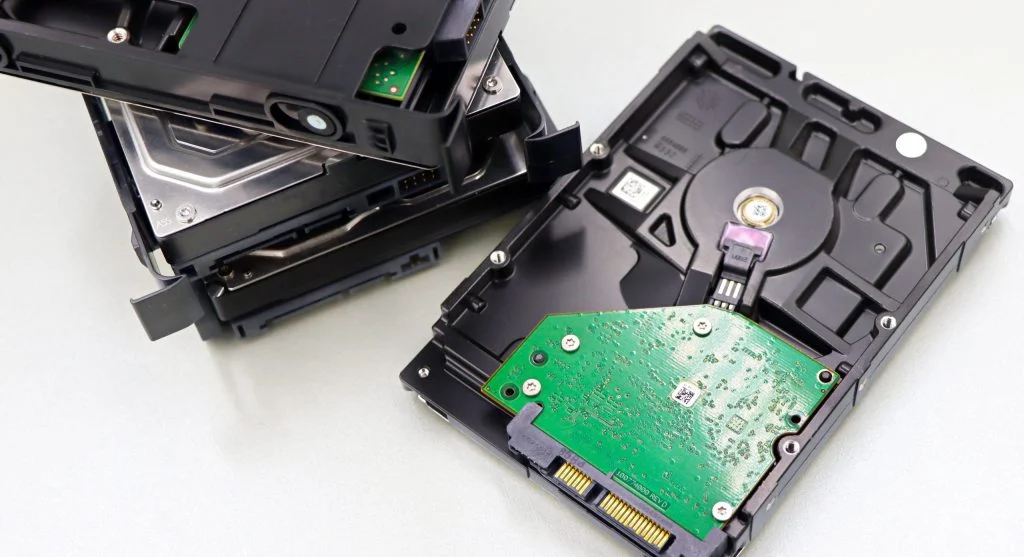
As storage fills up and gets used repeatedly, performance can drop—especially on older drives.
Frequent file changes and fragmentation (on HDDs) also affect speed.
Usage habits matter more than most users realize.
Frequently Asked Questions
Q: Do computers actually get slower with age?
A: Not physically, but software and usage changes make them feel slower.
Q: Is it because of hardware damage?
A: Usually no, it’s mostly software and usage patterns.
Q: Can I restore original speed?
A: Yes, with cleanup, optimization, and better habits.
Q: Do updates slow down computers?
A: Sometimes, especially on older systems.
Key Takeaway
Your computer doesn’t suddenly become slow—it gradually changes due to everyday use. Software buildup, background tasks, and storage habits all play a role. Understanding these factors helps you maintain performance over time.