

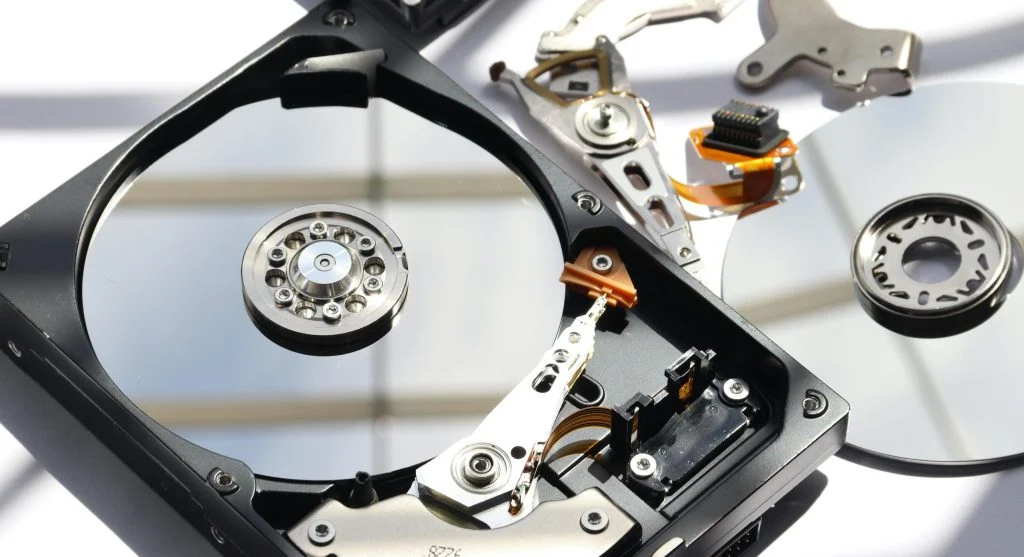
Understanding SSD vs HDD helps users choose the right storage for their computer. Both options store data but differ in speed and performance.
Technology experts explain that SSDs are faster, while HDDs offer larger storage at lower cost. Knowing the differences helps in making the right decision.
SSD vs HDD: Key Differences
When comparing SSD vs HDD, the main differences include speed, durability, and cost. Each type is designed for different needs.
SSDs use flash memory, while HDDs use spinning disks.
Experts note that this affects performance and reliability.
Speed and Performance Comparison
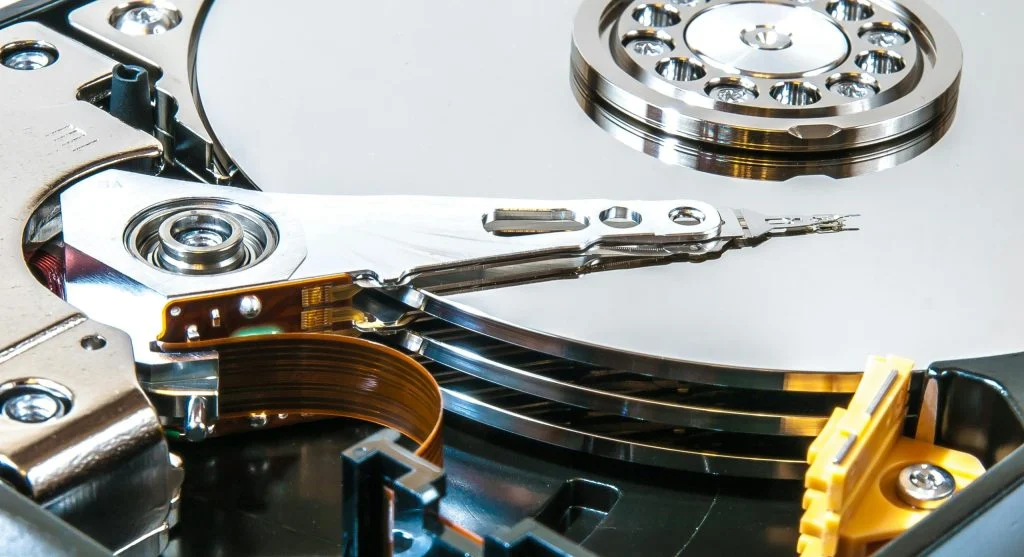
Speed is a major factor in SSD vs HDD. SSDs provide faster read and write speeds.
HDDs are slower due to mechanical parts.
Experts explain that SSDs improve boot times and application loading.
Durability and Reliability
Durability is another important difference. SSDs have no moving parts, making them more resistant to damage.
HDDs are more sensitive to physical impact.
Experts recommend SSDs for better reliability.
Cost and Storage Capacity
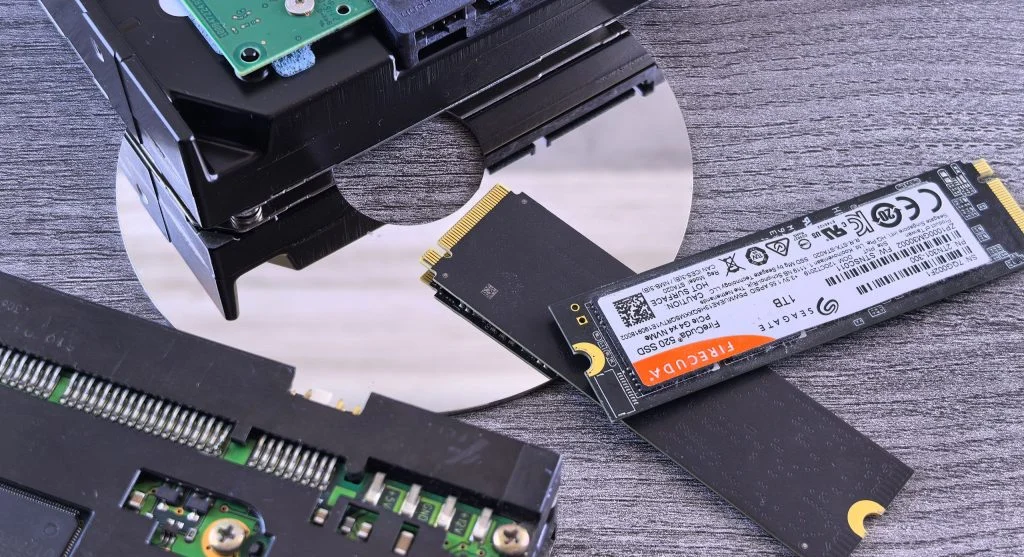
Cost is a key factor in SSD vs HDD. HDDs offer more storage at a lower price.
SSDs are more expensive but provide better performance.
Experts suggest choosing based on budget and needs.
When to Choose SSD
SSDs are ideal for speed and performance. They are best for operating systems and applications.
Experts recommend SSDs for gaming and professional work.
They improve overall system responsiveness.
When to Choose HDD
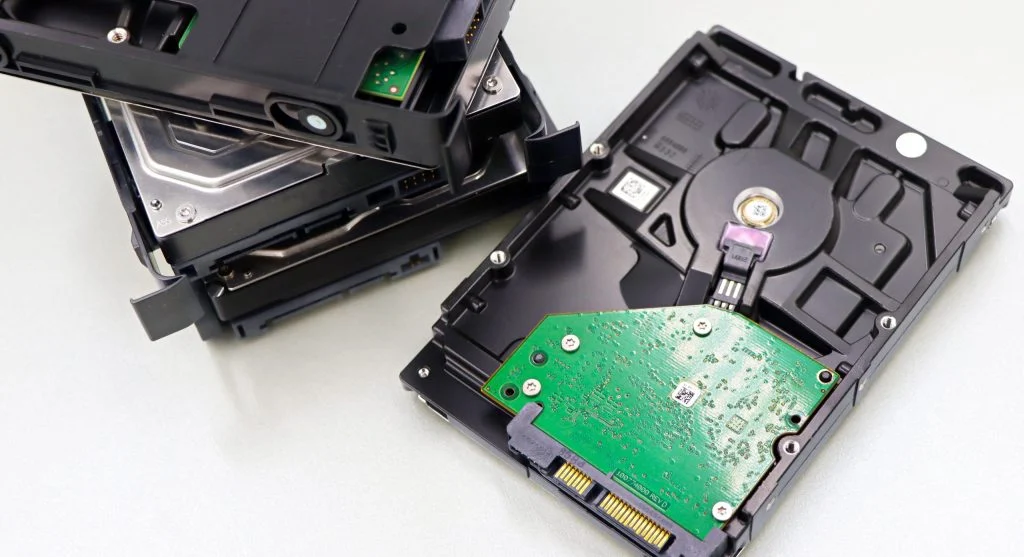
HDDs are suitable for storing large amounts of data. They are cost-effective for backups and archives.
Experts recommend HDDs for bulk storage.
They provide more space at lower cost.
Frequently Asked Questions
Q: Which is faster, SSD or HDD?
A: SSDs are much faster than HDDs.
Q: Is SSD more reliable than HDD?
A: Yes, SSDs are more durable due to no moving parts.
Q: Which is cheaper, SSD or HDD?
A: HDDs are generally cheaper for large storage.
Q: Can I use both SSD and HDD?
A: Yes, many systems use both for speed and storage.
Key Takeaway
SSD vs HDD is an important comparison when choosing storage. SSDs offer speed and reliability, while HDDs provide larger capacity at lower cost. The best choice depends on performance needs and budget.