Many users believe common PC hardware myths, and these misunderstandings can lead to poor decisions when upgrading or maintaining a computer. Some myths come from outdated advice, while others are based on simple confusion about how hardware works.
Technology experts explain that knowing the truth behind these myths can help users improve performance and avoid unnecessary upgrades or changes. This guide explains some of the most common misconceptions in a clear and simple way.
Why PC Hardware Myths Can Be Misleading
Believing PC hardware myths can affect how users upgrade, maintain, or use their computers. Incorrect information may cause people to spend money on parts they do not need or make changes that do not improve performance.
Experts note that hardware technology changes quickly. Advice that was useful years ago may not always apply to modern systems.
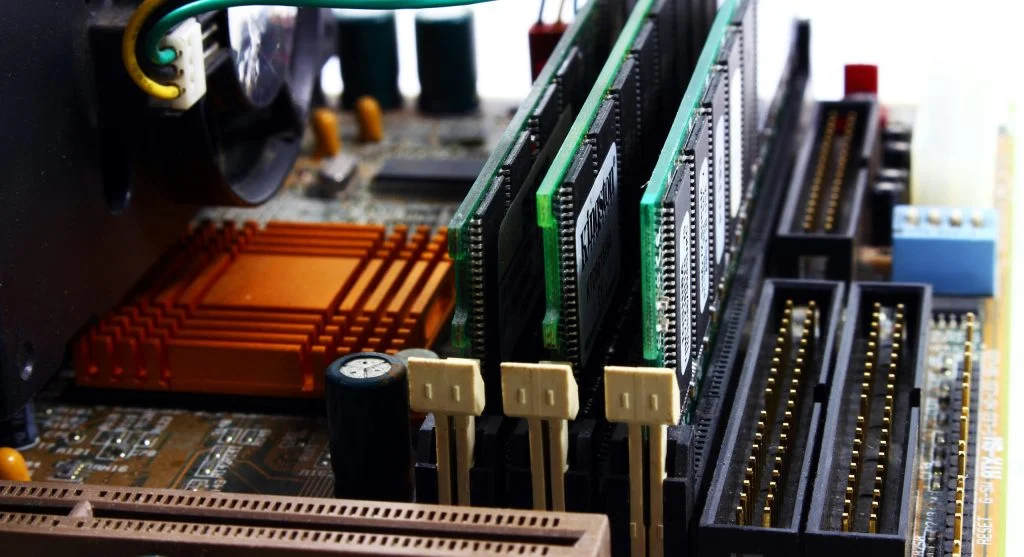
This is one of the most common PC hardware myths. RAM can improve performance, but adding more than the system actually needs will not always make it faster.
Experts explain that performance depends on how much memory the computer is really using.
2. A Faster CPU Solves All Problems
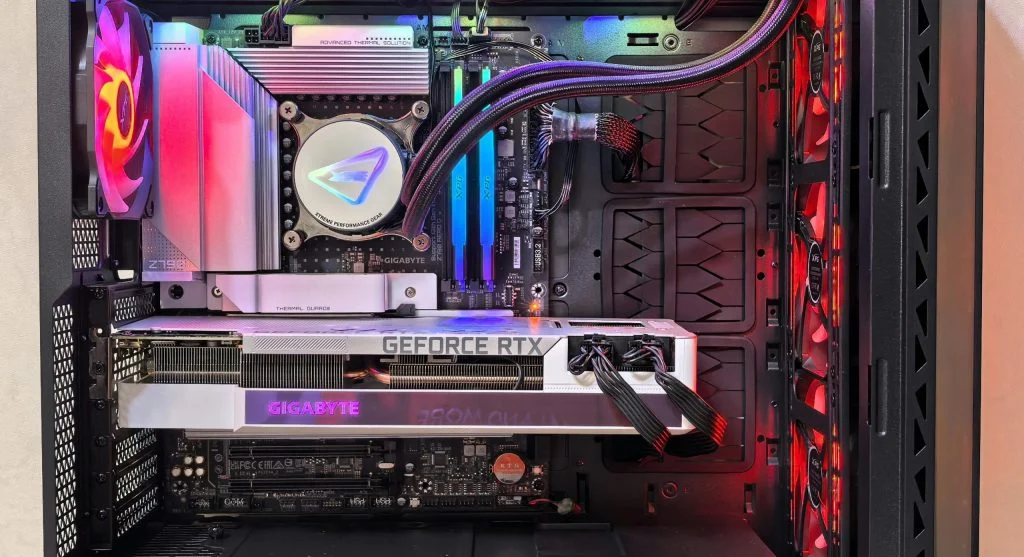
Many users believe that upgrading the CPU will fix every performance issue. However, other components also affect system speed.
Hardware specialists note that storage and RAM also play important roles in overall performance.
3. SSDs Do Not Make a Big Difference
Some users believe switching to an SSD will not make much of an impact. This is incorrect.
Experts confirm that SSDs can significantly improve boot times and overall system responsiveness.
4. Gaming Requires the Most Expensive Hardware
Another common PC hardware myth is that only high-end systems can handle gaming.
Experts explain that many games can run well on mid-range systems when the settings are adjusted properly.
Q: Are PC hardware myths common?
A: Yes, many users believe outdated or incorrect information about hardware.
Q: Does more RAM always improve speed?
A: Only up to the system’s needs. Extra RAM may not always increase performance.
Q: Do SSDs improve performance?
A: Yes, SSDs significantly improve speed and responsiveness.
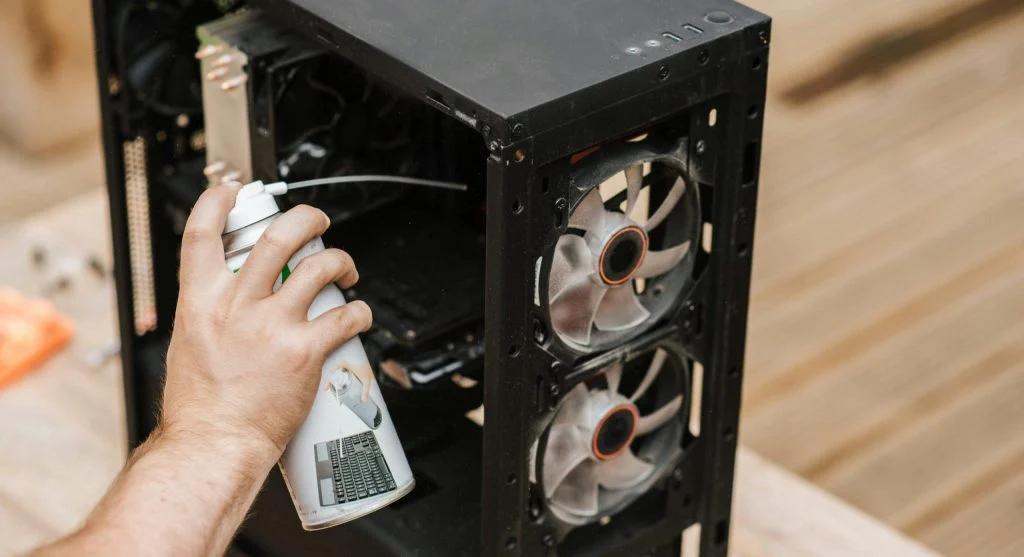
Q: Can cleaning a PC improve performance?
A: Yes, removing dust helps reduce overheating and improves efficiency.
Key Takeaway
PC hardware myths can create confusion and lead users to make poor decisions about their systems. Understanding the truth behind these myths helps improve performance and makes upgrades more practical and effective. Reliable knowledge also supports better system use and long-term efficiency.