

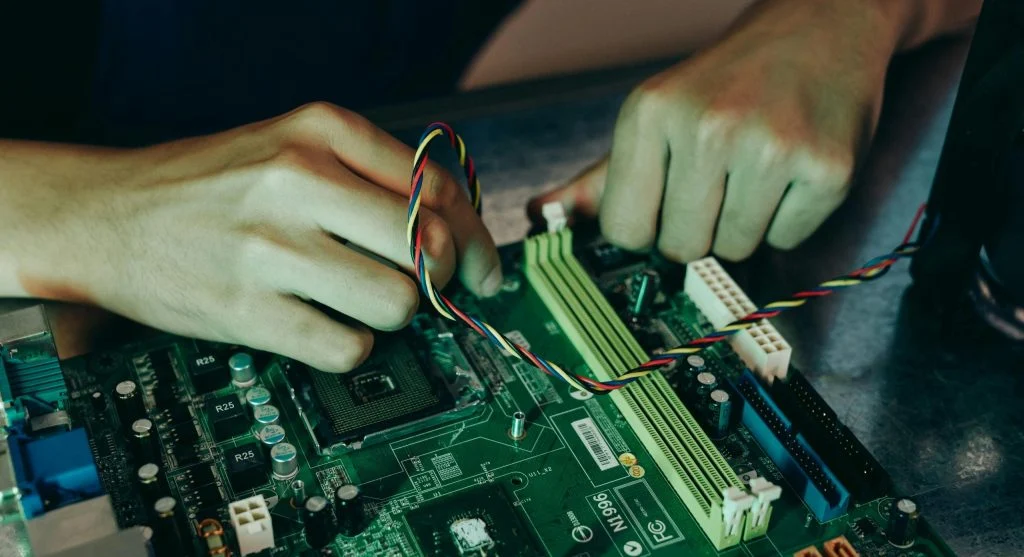
Learning how to install RAM is a simple way to improve computer performance. Adding more memory can help systems run faster and handle multiple tasks smoothly.
Hardware experts explain that RAM installation is safe when done correctly. This guide provides clear steps for beginners to upgrade their systems.
Why Installing RAM Improves Performance
Before learning how to install RAM, it is important to understand its benefits. More RAM allows better multitasking and smoother performance.
Experts note that low memory can slow down systems. Upgrading RAM helps improve speed and responsiveness.
Things to Check Before Installing RAM
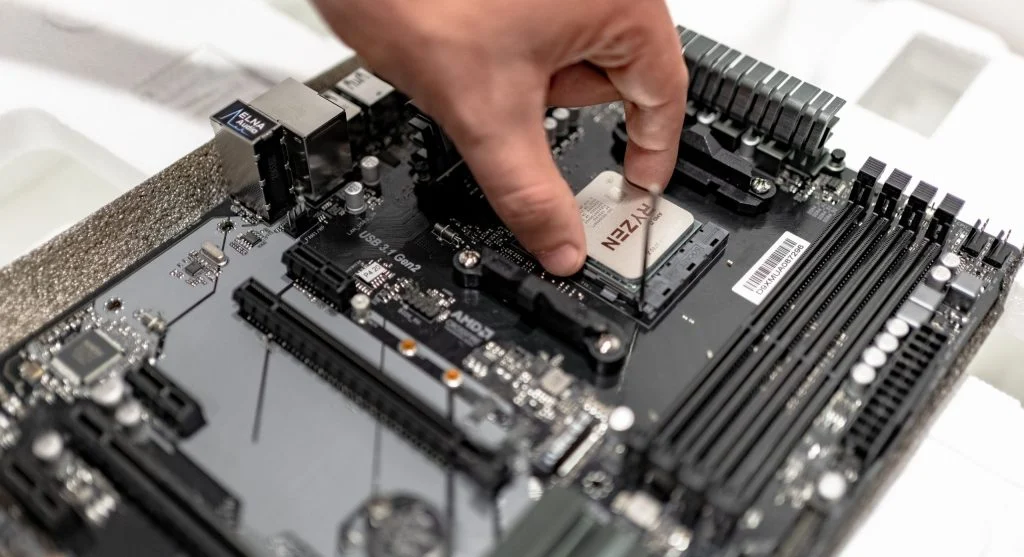
Before starting how to install RAM, users should check compatibility. Not all RAM works with every system.
Experts recommend checking motherboard support, RAM type, and maximum capacity.
Ensuring compatibility helps avoid installation problems.
Tools Needed for RAM Installation
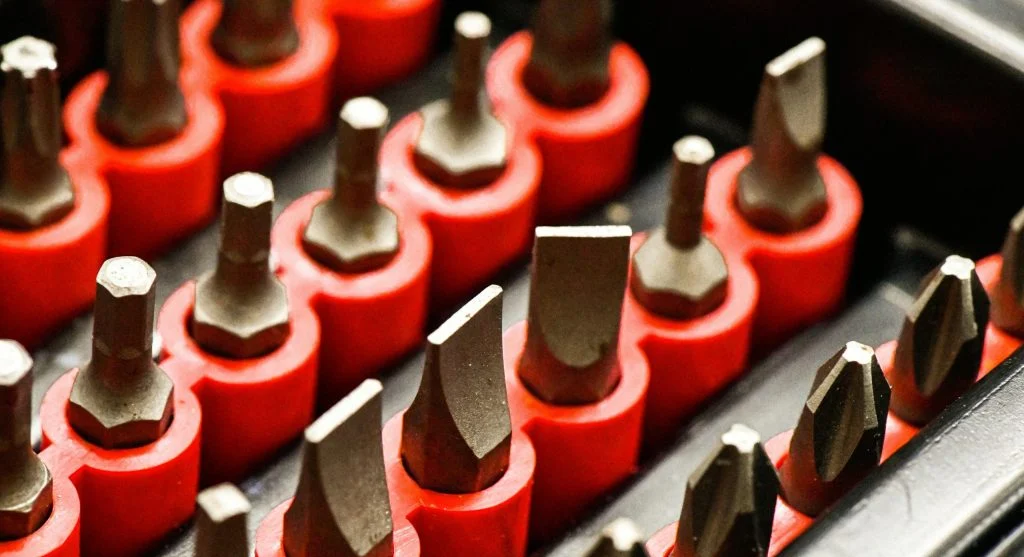
Installing RAM does not require many tools. Most users only need a screwdriver to open the case.
Experts advise working on a clean surface and avoiding static electricity.
Touching a metal surface helps reduce static risk.
How to Install RAM Step by Step
Following clear steps makes how to install RAM easy for beginners.
Step 1: Turn Off the Computer
Shut down the system completely and unplug all cables for safety.
Step 2: Open the Case
Remove the side panel of the computer case to access internal components.
Step 3: Locate RAM Slots
Find the RAM slots on the motherboard. These are usually near the CPU.
Step 4: Insert the RAM Module
Align the RAM with the slot and press down until it clicks into place.
Step 5: Close and Restart
Close the case, reconnect cables, and turn on the computer to check if the RAM is detected.
Common Mistakes to Avoid
Many beginners make mistakes while learning how to install RAM. Avoiding these helps ensure success.
One mistake is forcing the RAM into the slot. It should fit naturally when aligned correctly.
Another issue is not checking compatibility. Using the wrong type can prevent the system from working.
Experts also recommend ensuring the RAM is fully inserted.
How to Check If RAM Is Installed Correctly
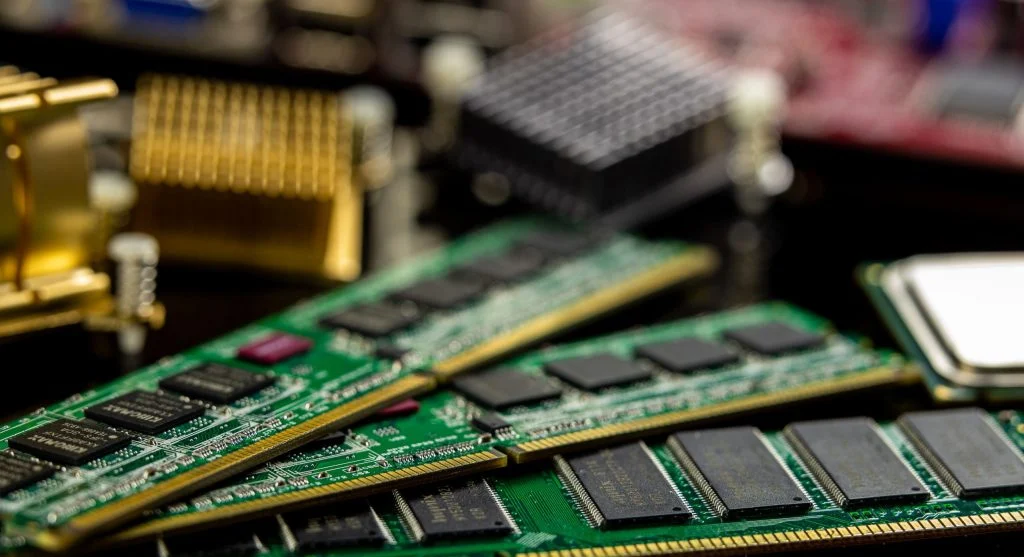
After completing how to install RAM, it is important to verify installation.
Experts suggest checking system settings or task manager to confirm the new memory is recognized.
If the system does not detect the RAM, recheck installation steps.
Frequently Asked Questions
Q: Is installing RAM difficult?
A: No, it is simple when following proper steps.
Q: Can I install RAM myself?
A: Yes, most users can install RAM without professional help.
Q: Does adding RAM improve performance?
A: Yes, more RAM helps with multitasking and speed.
Q: Do I need tools to install RAM?
A: Only basic tools like a screwdriver are usually needed.
Key Takeaway
How to install RAM is a useful skill for improving computer performance. Following simple steps ensures safe installation and better system speed. Upgrading RAM is one of the easiest ways to enhance overall performance.