

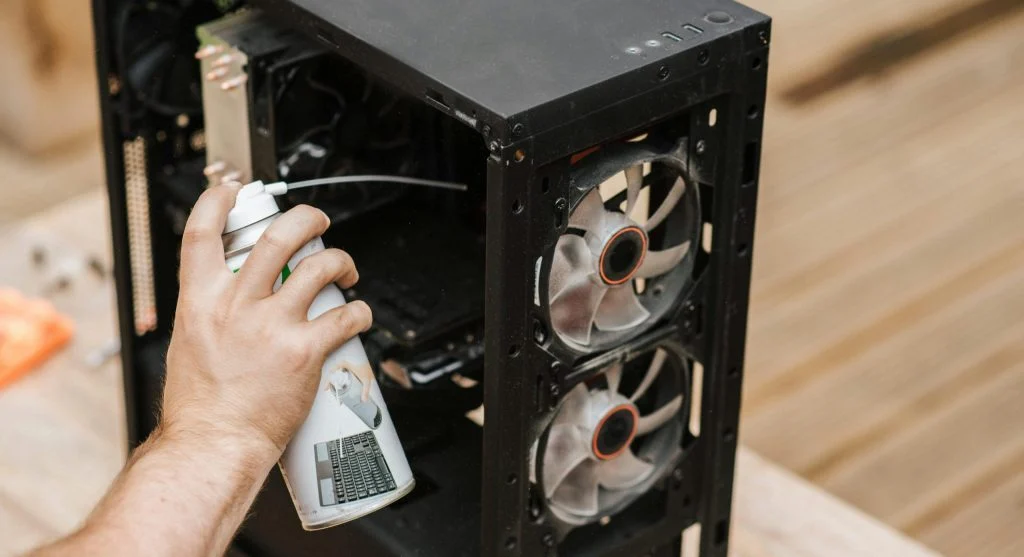
Learning how to clean a computer is important for keeping performance steady and preventing overheating. Dust buildup can slow systems down and affect hardware over time.
Hardware experts explain that regular cleaning improves airflow and helps components run more efficiently. This guide shares simple steps to clean a computer safely.
Why Cleaning a Computer Is Important
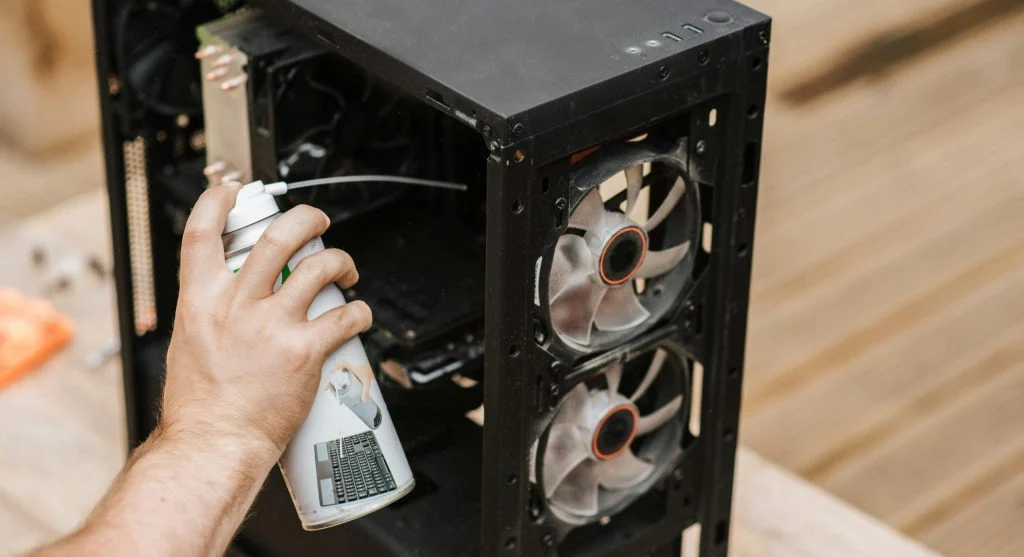
Before learning how to clean a computer, it helps to understand why regular cleaning matters. Dust can block airflow and cause internal temperatures to rise.
Experts note that overheating can reduce performance and may damage components over time. Regular maintenance helps prevent these problems and can extend the life of the hardware.
Credit: Anete Lusina / Pexels
Credit: Anete Lusina / Pexels
Common Mistakes to Avoid While Cleaning
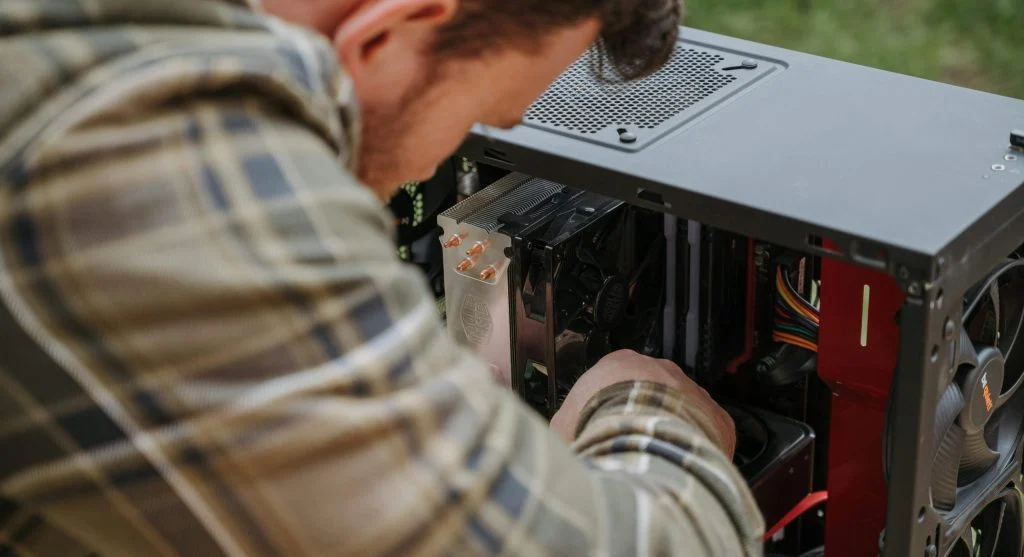
Many users make mistakes when learning how to clean a computer. Avoiding these mistakes can help prevent damage and keep the system safe.
One common mistake is using liquid cleaners inside the case. This can harm sensitive components. Experts advise using dry cleaning methods instead.
Another issue is not grounding properly. Static electricity can damage hardware, so touching a metal surface before handling components can help reduce this risk.
Using too much force while cleaning can also damage parts. Gentle handling is always recommended.
How Often Should You Clean a Computer
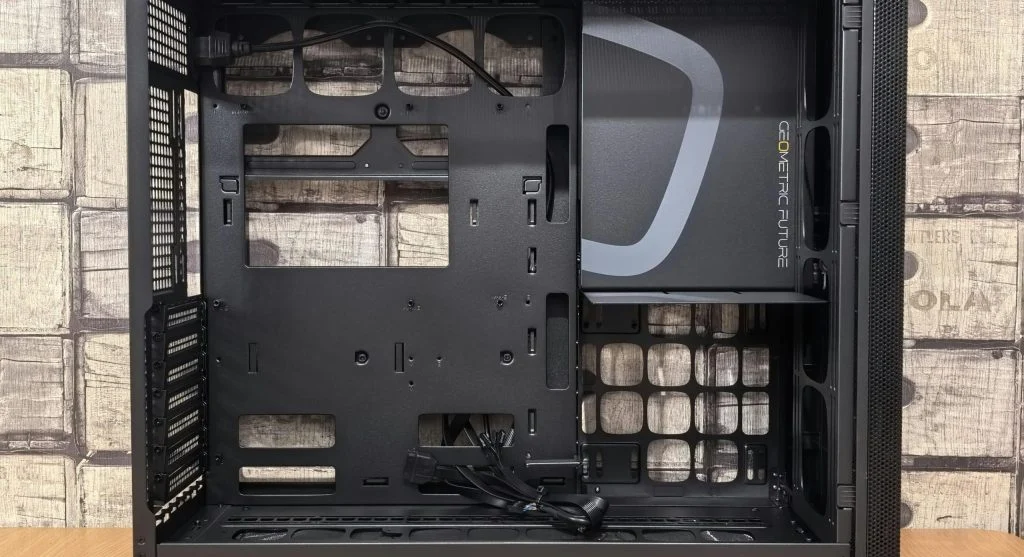
Regular cleaning is important for maintaining performance. Learning how to clean a computer also means knowing when it should be cleaned.
Experts suggest cleaning a computer every few months, depending on the environment. Dusty areas may require more frequent cleaning.
Keeping the system clean improves airflow and reduces the risk of overheating.
Credit: Andrey Matveev / Pexels
Frequently Asked Questions
Q: Is it safe to clean a computer at home?
A: Yes, using proper tools and steps makes cleaning safe and effective.
Q: Can dust damage a computer?
A: Yes, dust can cause overheating and reduce performance.
Q: How often should I clean my computer?
A: Cleaning every few months is recommended, depending on dust levels.
Q: Can I use a vacuum to clean my PC?
A: Experts advise against using a vacuum inside the case due to static risks.