

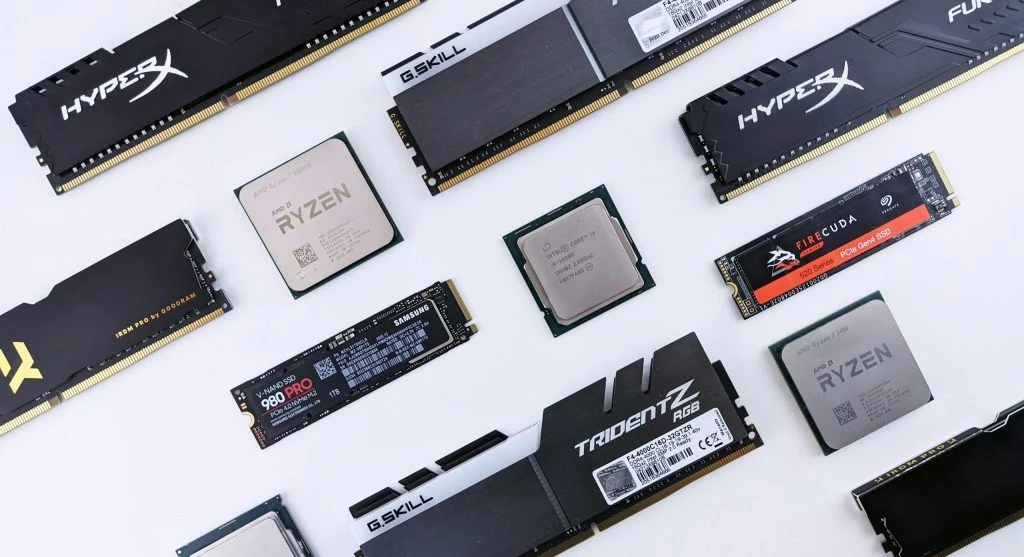
Knowing when a computer needs an upgrade helps maintain performance and avoid frustration. Over time, systems slow down and struggle with modern tasks.
Technology experts explain that identifying upgrade signs early can improve efficiency and extend system life. This guide highlights the most common indicators.
Why Recognizing Upgrade Signs Matters
Understanding when a computer needs an upgrade helps users avoid performance issues. Upgrading at the right time improves speed and usability.
Experts note that ignoring these signs can lead to system failures.
1. Slow Performance in Daily Tasks
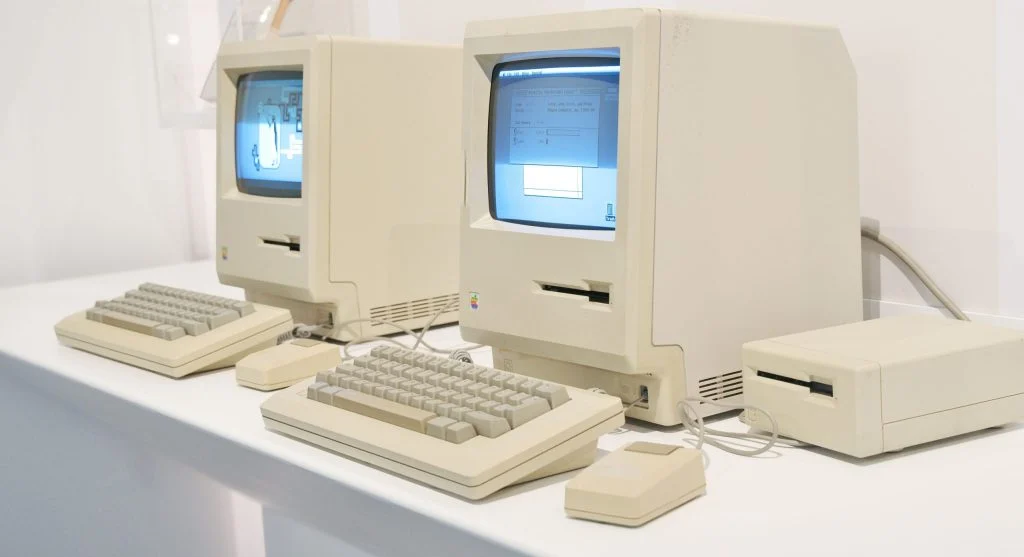
If basic tasks take longer, it may indicate a computer needs an upgrade. Slow performance affects productivity.
Experts recommend checking system resources for bottlenecks.
2. Frequent Freezing and Crashes
Regular freezing or crashes can signal outdated hardware. This affects system stability.
Experts suggest upgrading components to resolve issues.
3. Long Boot Times
Slow startup times are another sign. Systems may take too long to load the operating system.
Experts note that upgrading storage to SSD can help.
4. Unable to Run New Software
Modern applications require better hardware. If software fails to run, upgrades may be needed.
Experts recommend checking system requirements.
5. Low Storage Space
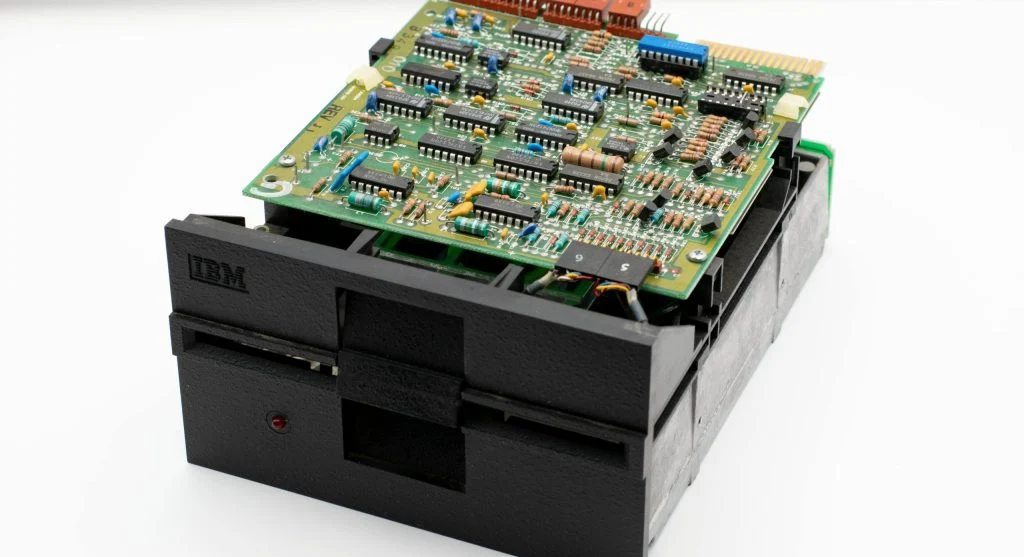
Limited storage can slow down performance. Constantly running out of space is a clear sign.
Experts suggest upgrading storage or cleaning files.
6. Overheating Issues
Older systems may overheat more often. This affects performance and hardware life.
Experts recommend improving cooling or upgrading components.
7. Poor Multitasking Performance
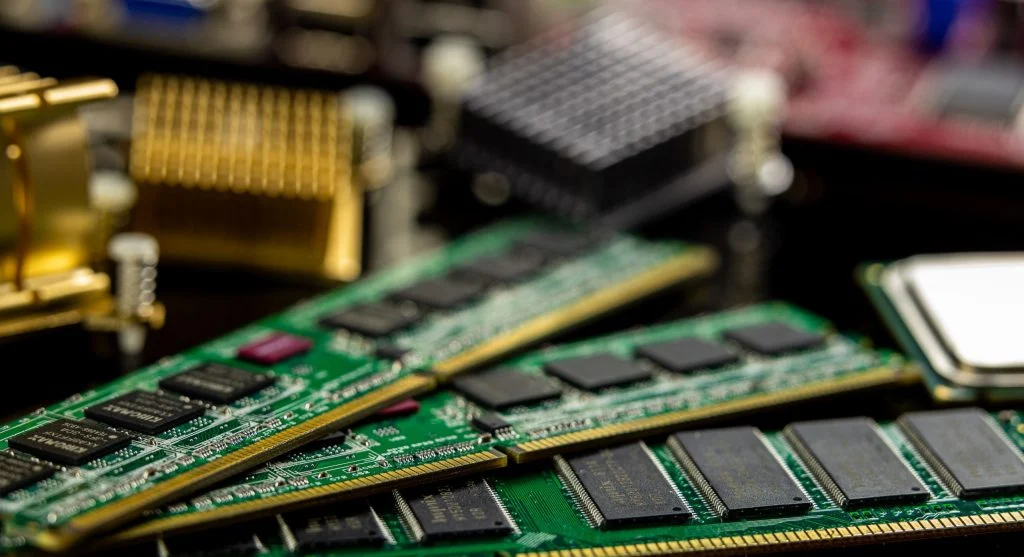
Struggling with multiple tasks indicates low RAM or outdated hardware.
Experts suggest upgrading memory for better multitasking.
8. Outdated Hardware Components
Old CPUs, RAM, or storage can limit performance. Upgrading improves system efficiency.
Experts recommend keeping hardware up to date.
9. Increased Noise from Fans
Loud fans may indicate the system is working harder than usual. This can signal performance issues.
Experts suggest checking cooling systems.
10. Reduced Battery Life (Laptops)
For laptops, reduced battery life can indicate aging hardware. This affects portability.
Experts recommend replacing batteries or upgrading systems.
Frequently Asked Questions
Q: How do I know if my computer needs an upgrade?
A: Signs include slow performance, crashes, and outdated hardware.
Q: Can upgrading improve performance?
A: Yes, upgrading components like RAM or SSD improves speed.
Q: Should I upgrade or replace my computer?
A: It depends on the condition and cost of upgrades.
Q: What is the most common upgrade?
A: RAM and storage upgrades are most common.
Key Takeaway
Recognizing when a computer needs an upgrade helps maintain performance and efficiency. Addressing these signs early improves system usability and extends its lifespan. Upgrading components can provide a cost-effective solution to performance issues.