

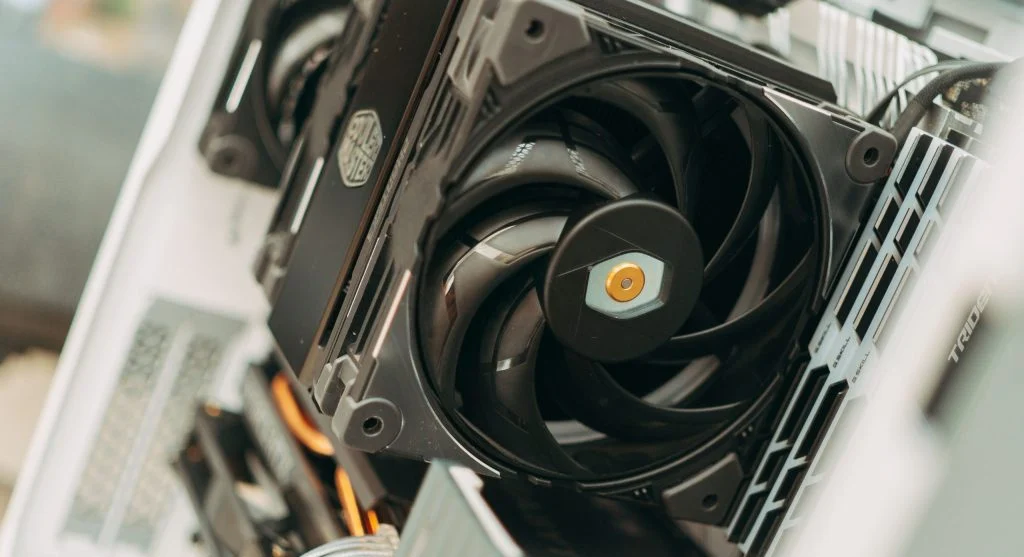
Learning how to reduce computer overheating helps maintain performance and protect hardware. Overheating is a common issue that can slow down systems and cause damage.
Technology experts explain that proper cooling and maintenance can prevent overheating. This guide shares simple and effective tips.
Why Computers Overheat
Before learning how to reduce computer overheating, it helps to understand why it happens. Heat builds up when components work hard.
Experts note that dust, poor airflow, and heavy usage can increase temperature.
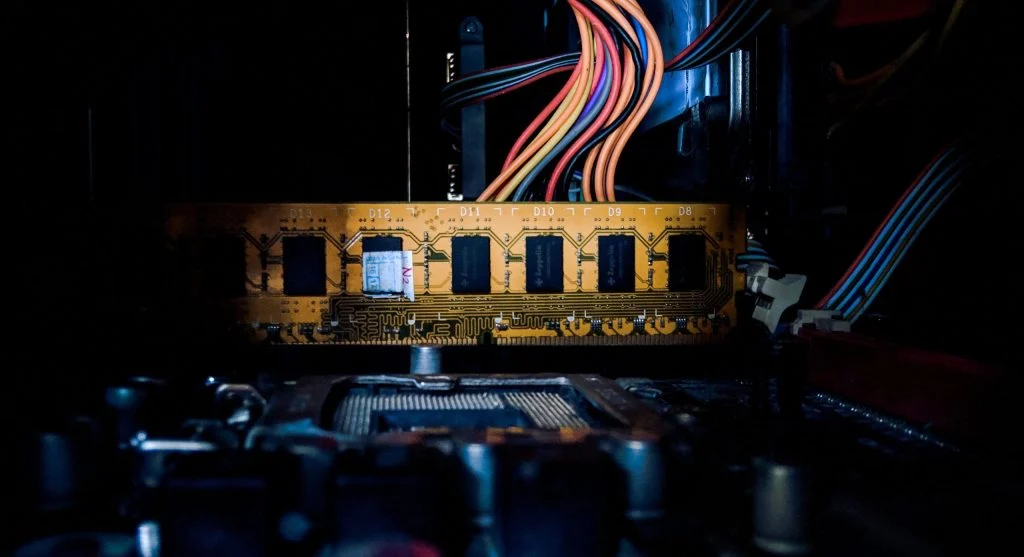
1. Clean Dust from Components
Dust blocks airflow and traps heat inside the system. Cleaning helps improve cooling.
Experts recommend regular cleaning of fans and vents.
2. Improve Airflow Around the Computer
Proper airflow helps remove heat from the system. Placing the computer in an open space improves cooling.
Experts advise avoiding enclosed spaces that trap heat.
3. Use Cooling Fans and Ventilation
Additional fans can help move air inside the case. This reduces temperature.
Experts note that proper fan placement improves airflow efficiency.
4. Avoid Running Heavy Programs Continuously
Running demanding programs for long periods increases heat. Giving the system breaks helps cooling.
Experts recommend managing workload to prevent overheating.
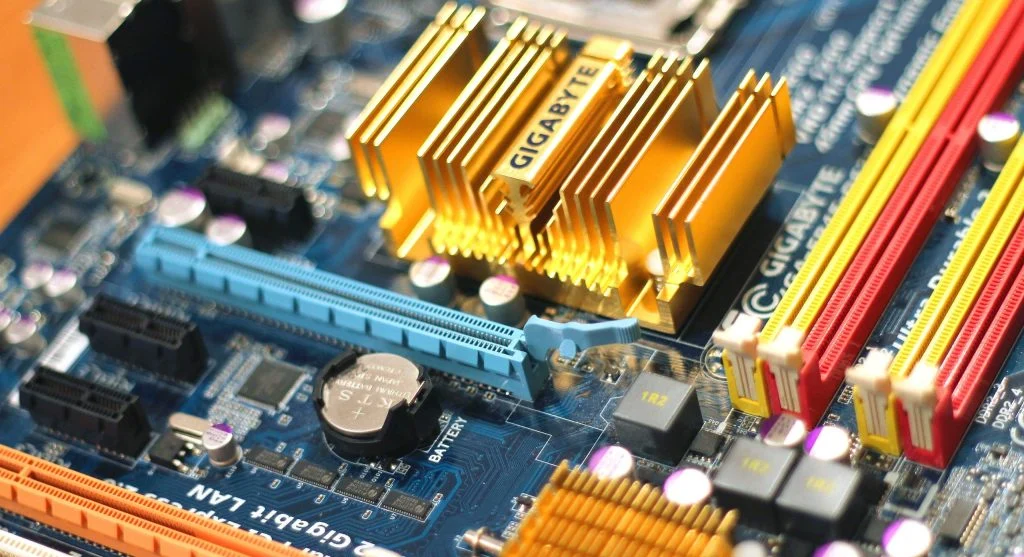
5. Replace Thermal Paste if Needed
Thermal paste helps transfer heat from CPU to cooler. Old or dried paste reduces efficiency.
Experts suggest replacing thermal paste when temperatures rise.
6. Keep Software Updated
Updates can improve system efficiency and reduce resource usage.
Experts note that optimized software can help reduce heat generation.
7. Monitor System Temperature
Monitoring temperature helps detect overheating early. Built-in tools can show system heat levels.
Experts recommend checking temperature regularly.
8. Use a Cooling Pad for Laptops
Laptops can benefit from external cooling pads. These improve airflow and reduce heat.
Experts suggest using cooling pads for heavy usage.
9. Upgrade Cooling Hardware
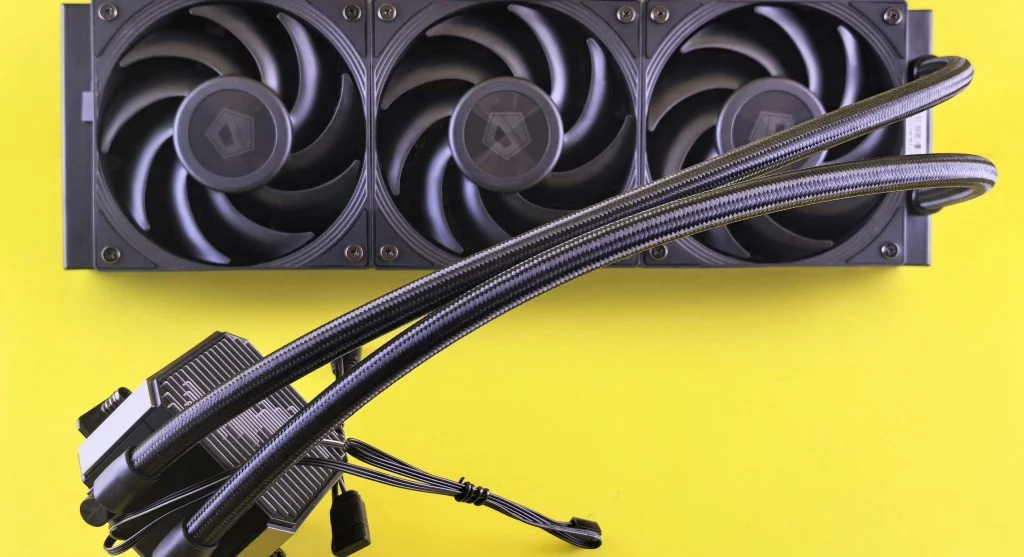
If overheating continues, upgrading cooling systems may help. Better fans or liquid cooling improve performance.
Experts recommend upgrades for high-performance systems.
Frequently Asked Questions
Q: Why does my computer overheat?
A: It may be due to dust, poor airflow, or heavy usage.
Q: Can overheating damage my computer?
A: Yes, high temperatures can harm components.
Q: Does cleaning help reduce overheating?
A: Yes, cleaning improves airflow and cooling.
Q: Should I upgrade cooling hardware?
A: Yes, if basic fixes do not solve overheating issues.
Key Takeaway
Knowing how to reduce computer overheating helps protect hardware and improve performance. Simple steps like cleaning, improving airflow, and monitoring temperature can make a big difference. Regular maintenance ensures long-term system stability.