

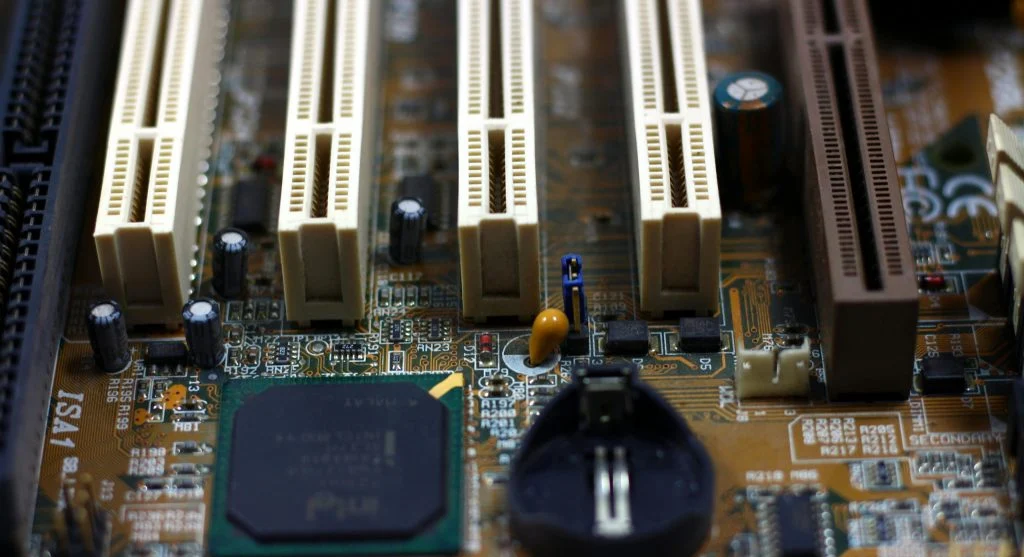
Understanding what is a motherboard is important for anyone learning how a computer works. The motherboard is the main board that connects all the major parts of a system.
Technology experts explain that without a motherboard, components such as the CPU, RAM, and storage cannot communicate with each other. It acts as the central hub that keeps the computer working as one system.
What Is a Motherboard and Why It Matters
A motherboard is a large circuit board inside a computer. It holds and connects the key components the system needs to operate.
When learning what is a motherboard, it is important to understand that it allows data to move between different parts of the computer. This helps the system run smoothly and respond properly.
Hardware specialists note that the motherboard also determines which components are compatible with the computer.
Main Parts of a Motherboard Explained
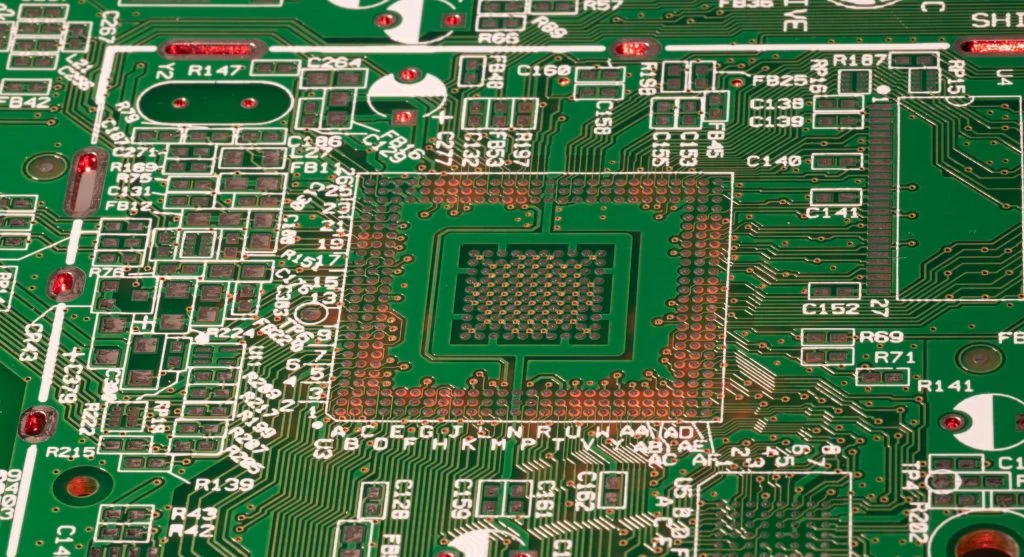
To understand what is a motherboard, it helps to know its main parts. Each section of the board has a specific job.
The CPU socket holds the processor. RAM slots allow memory to be installed. Expansion slots support extra components, such as graphics cards.
Experts explain that ports and connectors help the computer communicate with external devices.
How a Motherboard Connects Components
A motherboard uses circuits to connect different components. These circuits allow signals and data to move between parts of the system.
Understanding what is a motherboard also means knowing that it manages communication between the CPU, RAM, storage, and other hardware.
Experts note that efficient communication between components can improve overall system performance.
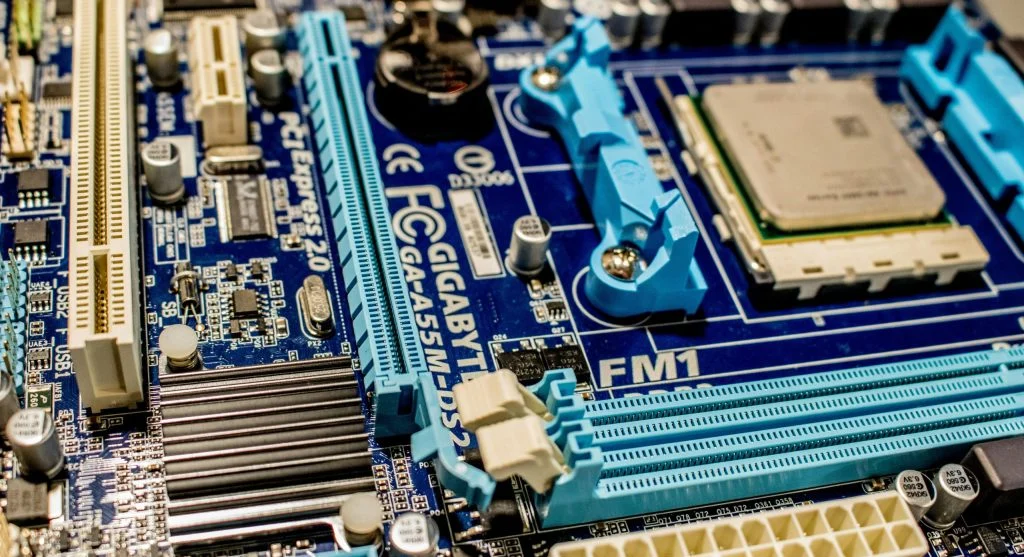
Credit: Jeremy Waterhouse / Pexels
Types of Motherboards
Different systems use different types of motherboards. These types vary in size, features, and the kind of computer case they support.
Common motherboard types include ATX, Micro-ATX, and Mini-ITX. Each one is designed for different case sizes, layouts, and system needs.
Experts recommend choosing a motherboard based on system requirements, available space, and component compatibility.
Why Motherboard Choice Affects Performance
Understanding what is a motherboard also helps explain how it can affect performance. The motherboard supports specific CPUs, RAM speeds, storage types, and expansion options.
Hardware experts note that choosing the right motherboard helps ensure better compatibility and system stability.
Advanced motherboard features can also improve performance and provide more upgrade options in the future.
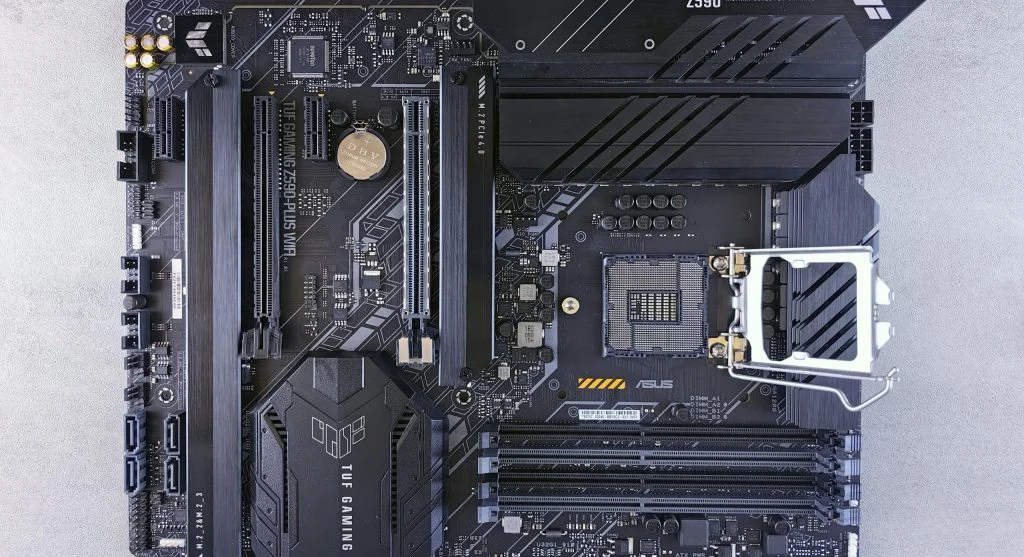
Credit: Andrey Matveev / Pexels
Frequently Asked Questions
Q: What is a motherboard in simple terms?
A: It is the main board that connects all computer components.
Q: Can a computer run without a motherboard?
A: No, the motherboard is essential for system operation.
Q: Does motherboard affect performance?
A: Yes, it affects compatibility and system stability.
Q: Can motherboards be upgraded?
A: Yes, but upgrading may require changing other components.