

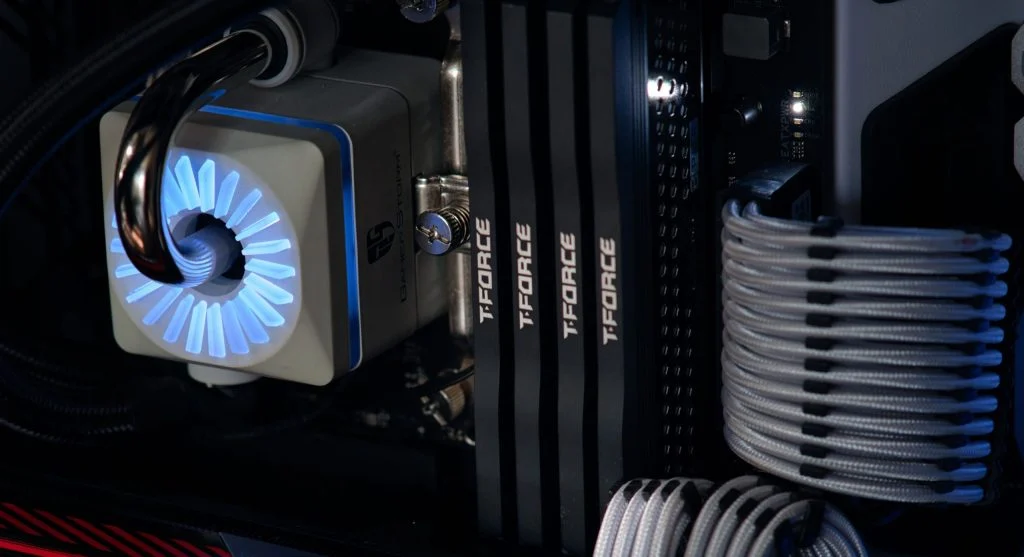
An overheating computer can slow down performance and may even lead to system damage over time. High temperatures affect both the hardware and the overall efficiency of the device.
Technology experts explain that overheating often happens because of poor airflow, dust buildup, or heavy usage. This guide shares simple solutions that can help.
Why Computers Overheat
Before fixing an overheating computer, it helps to understand what may be causing the problem. Common causes include blocked vents, faulty fans, and high CPU usage.
Experts note that identifying the cause makes it easier to choose the right fix.
Clean Dust from Fans and Vents
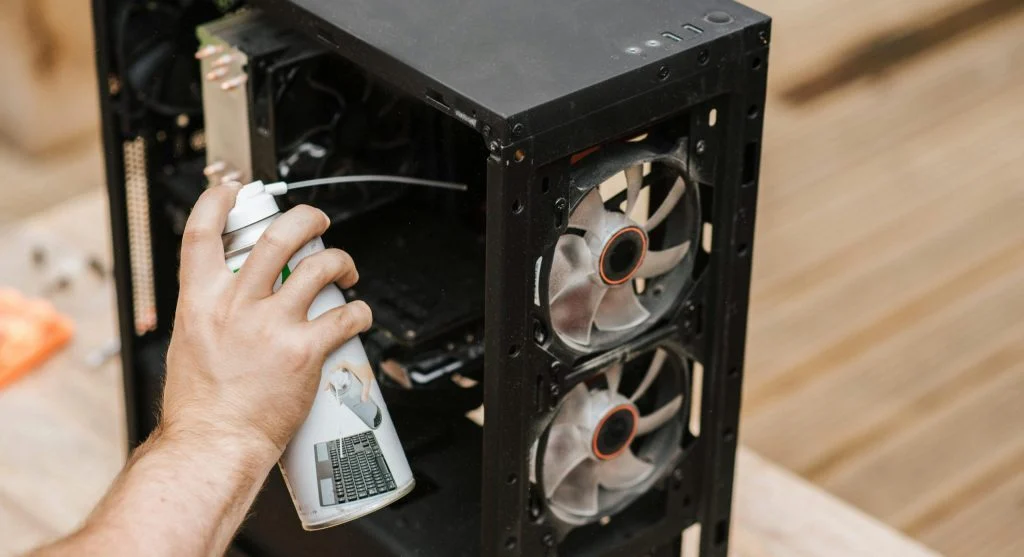
Dust can block airflow and raise the computer’s temperature. Cleaning the fans and vents helps the system cool more effectively.
Experts recommend using compressed air regularly.
This helps maintain proper airflow.
Improve Airflow Around the Computer
Good airflow reduces heat buildup. Avoid placing the computer in tight or enclosed spaces.
Experts suggest keeping it in a well-ventilated area.
This improves cooling efficiency.
Close Heavy Applications
Running demanding programs can increase heat. Closing unused apps helps reduce the system load.
Experts recommend managing system usage.
This helps lower temperature.
Use Cooling Accessories
Cooling pads and extra fans can improve airflow. These accessories help reduce temperature.
Experts recommend using cooling solutions for both laptops and desktops.
This keeps systems stable.
Check Thermal Paste
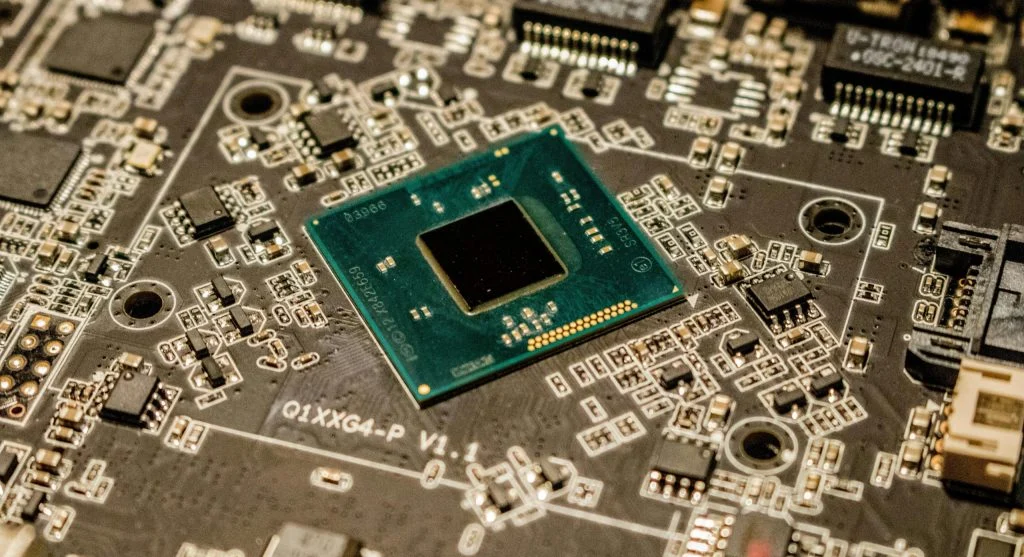
Thermal paste helps transfer heat from the CPU to the cooler. Old thermal paste can reduce cooling efficiency.
Experts suggest replacing it if needed.
This improves cooling performance.
Monitor Temperature Regularly
Monitoring tools help track system temperature. This makes it easier to detect overheating early.
Experts recommend checking temperature during heavy tasks.
This helps prevent damage.
Frequently Asked Questions
Q: Why is my computer overheating?
A: It may be due to dust, poor airflow, or heavy usage.
Q: Can overheating damage my computer?
A: Yes, it can affect hardware performance and lifespan.
Q: How do I cool down my computer?
A: Clean vents, improve airflow, and reduce workload.
Q: Should I use a cooling pad?
A: Yes, it helps improve airflow and reduce heat.