

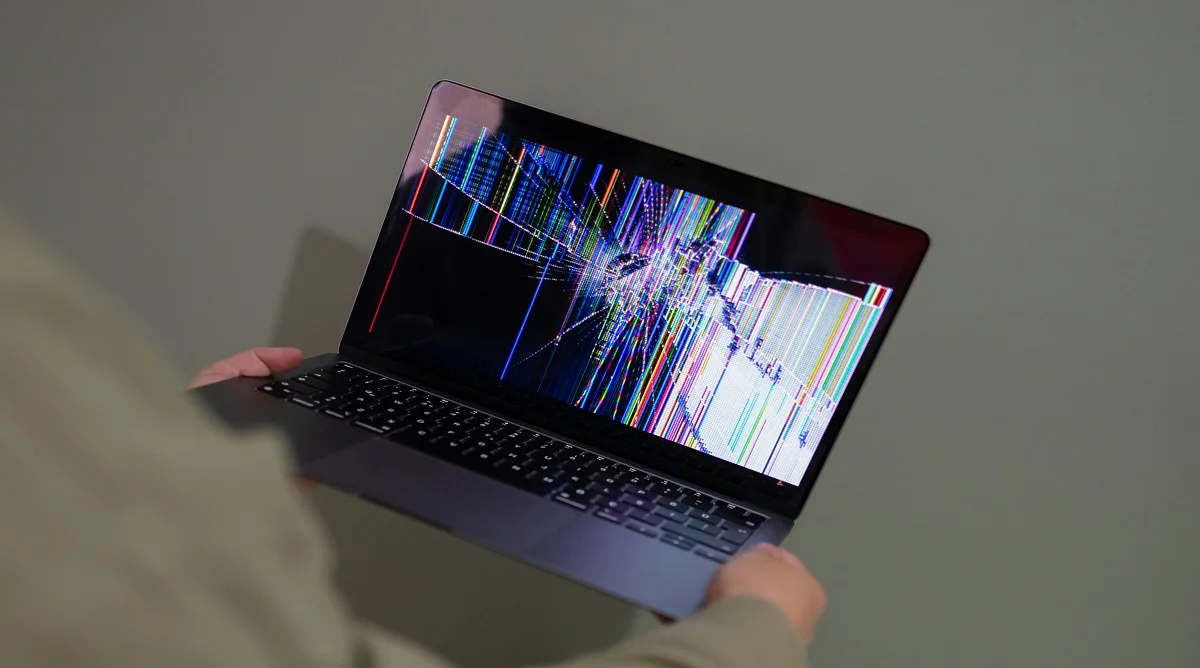
If a computer keeps freezing, it can interrupt work and cause frustration. Freezing happens when the system stops responding to commands and appears stuck.
Hardware and software experts explain that freezing can be caused by several common issues. Understanding these causes helps identify the right solution and restore normal performance.
Why a Computer Keeps Freezing During Use
When a computer keeps freezing, it usually means the system is struggling to handle tasks. This can happen due to limited resources or system errors.
Technology specialists note that both hardware and software factors can lead to freezing. Identifying the source is the first step toward fixing the problem.
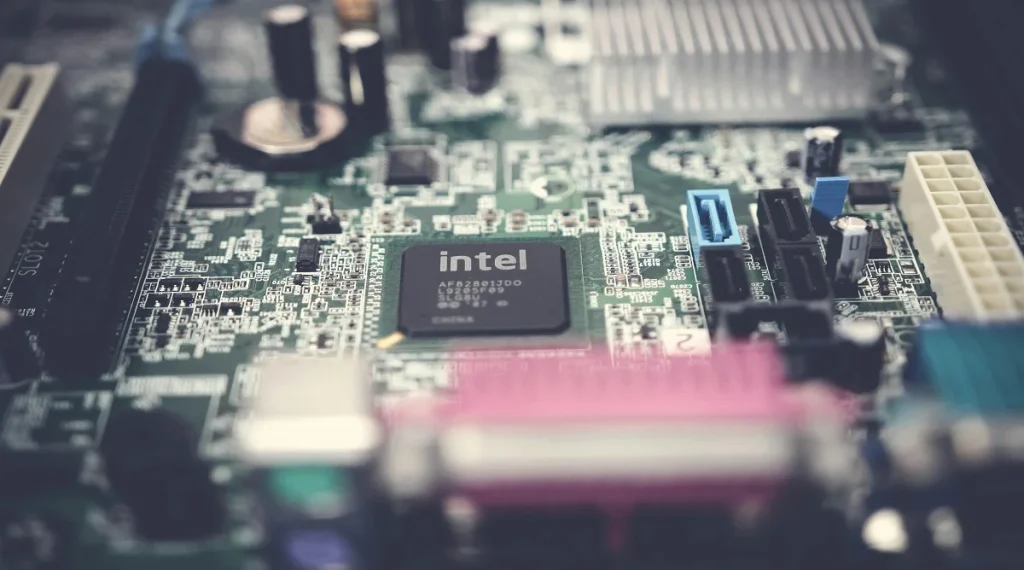
Low RAM and Overloaded Memory
One common reason a computer keeps freezing is low RAM. When memory is full, the system cannot handle additional tasks efficiently.
Experts explain that running many programs at the same time can overload memory. This leads to slow performance and freezing.
Upgrading RAM or closing unused applications can help reduce this issue.
Overheating and Poor Cooling
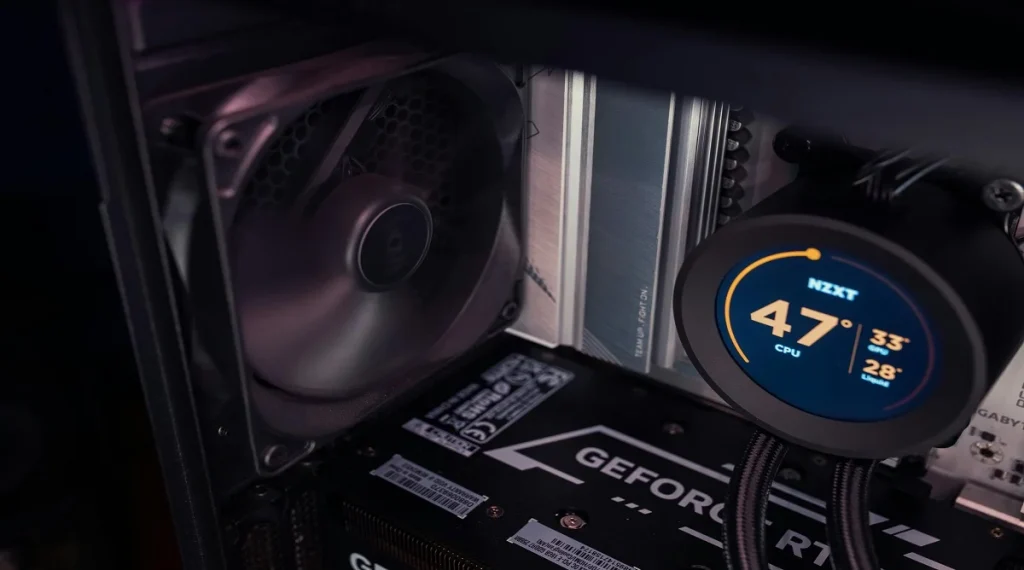
Overheating is another major cause of freezing. When internal temperatures rise too high, the system may slow down or stop responding.
Hardware technicians explain that dust buildup and poor airflow can increase heat. Laptops and desktops both need proper ventilation.
Cleaning vents and ensuring good airflow can help prevent overheating.
Credit: Matheus Bertelli / Pexels
Outdated or Corrupt Software
Software problems can also cause freezing. Outdated programs or corrupted files may not work properly with the system.
Experts recommend keeping the operating system and applications updated. Updates often fix bugs and improve stability.
Reinstalling problematic software can also resolve freezing issues.
Hard Drive or Storage Problems
Storage issues can lead to freezing, especially in older systems. A failing hard drive may struggle to read and write data.
Technology analysts note that slow storage can delay system operations. This can make the computer appear frozen.
Switching to a solid state drive can improve performance and reduce freezing.
Malware and Background Processes
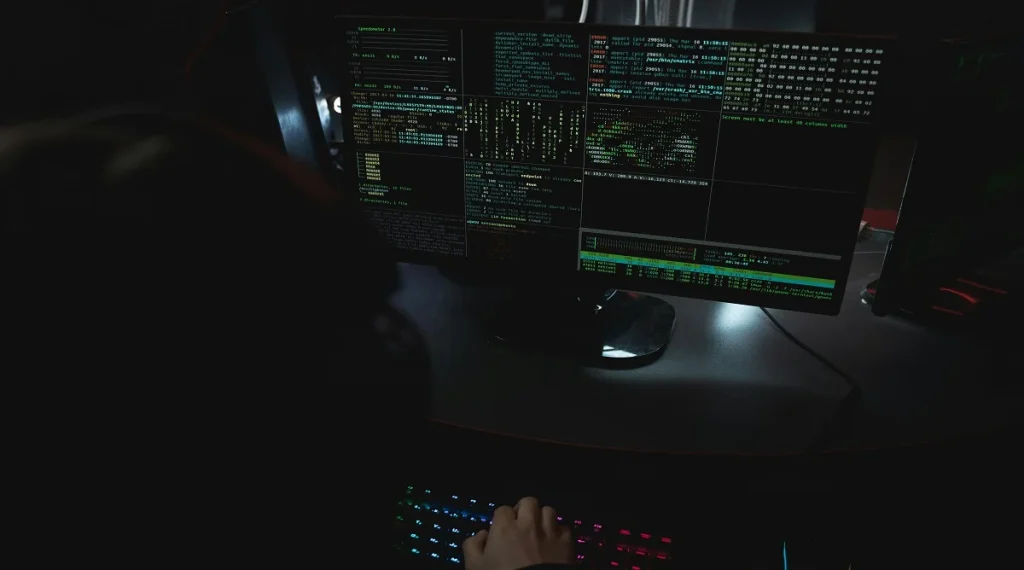
Malware can use system resources without the user knowing. This can slow down the system and cause freezing.
Security experts advise running regular scans to detect harmful software. Removing malware helps restore normal system performance.
Too many background processes can also reduce speed. Managing these processes can improve responsiveness.
Credit: Tima Miroshnichenko / Pexels
Simple Steps to Fix a Freezing Computer
If a computer keeps freezing, several simple steps can help fix the issue. These steps focus on improving system performance and stability.
Experts recommend closing unused programs, restarting the system, and checking for updates. Cleaning hardware and upgrading components may also help.
Regular maintenance ensures the system runs smoothly and reduces the chances of freezing.
Frequently Asked Questions
Q: Why does my computer freeze randomly?
A: Random freezing can be caused by low memory, overheating, or software issues. Checking these areas can help identify the cause.
Q: Can overheating cause freezing?
A: Yes, high temperatures can slow down the system and lead to freezing.
Q: How do I stop my computer from freezing?
A: Keeping software updated, cleaning hardware, and managing resources can help prevent freezing.
Q: Does upgrading RAM fix freezing?
A: Yes, adding more RAM can improve performance and reduce freezing caused by low memory.
Key Takeaway
If a computer keeps freezing, the cause is often related to memory, overheating, or software issues. Identifying the problem and applying simple fixes can restore performance. Regular maintenance and upgrades help keep systems running smoothly.