

Credit: Andrey Matveev / Pexels
1. The CPU Is Not the Only Factor in Speed
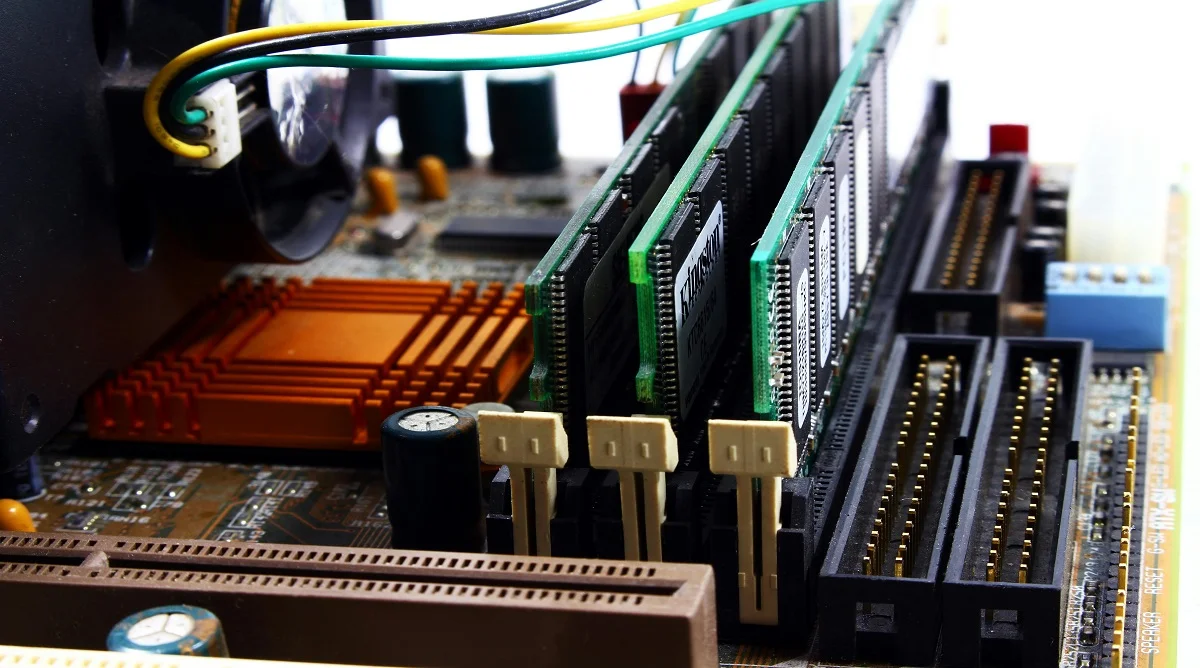
Many people assume the CPU is the main driver of performance, but that’s only part of the picture. Other components, like RAM and storage, also play a significant role.
Hardware experts often explain that a balanced system performs better than one that relies on a single powerful component.
2. More RAM Does Not Always Mean Faster Performance
Adding more RAM can improve performance, but only up to a certain point. Beyond that, the difference may not be noticeable in everyday use.
Experts usually recommend choosing the amount of RAM based on actual needs rather than simply going for the highest possible capacity.
3. SSDs Can Make Old Computers Feel New
Upgrading from a traditional hard drive to an SSD can significantly improve system speed. It’s one of the most effective upgrades you can make.
Technology specialists note that SSDs reduce loading times and make systems feel much more responsive.
4. Heat Can Reduce Hardware Performance
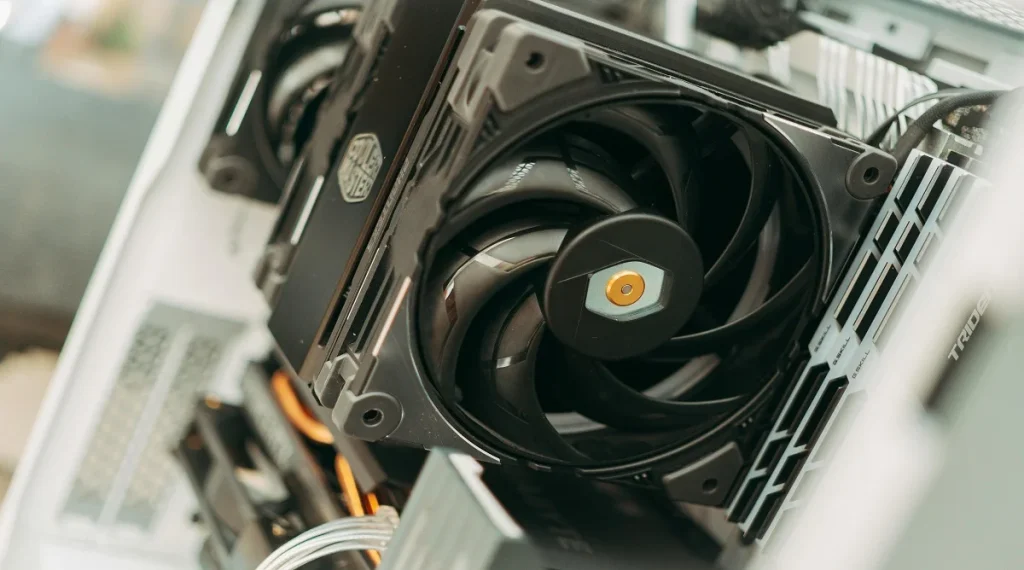
Excess heat can slow down components and affect system stability. Proper cooling is essential for keeping performance consistent.
Experts often suggest ensuring good airflow and cleaning the system regularly to avoid heat-related issues.
Credit: FOX ^.ᆽ.^= ∫ / Pexels
5. Graphics Cards Are Not Only for Gaming
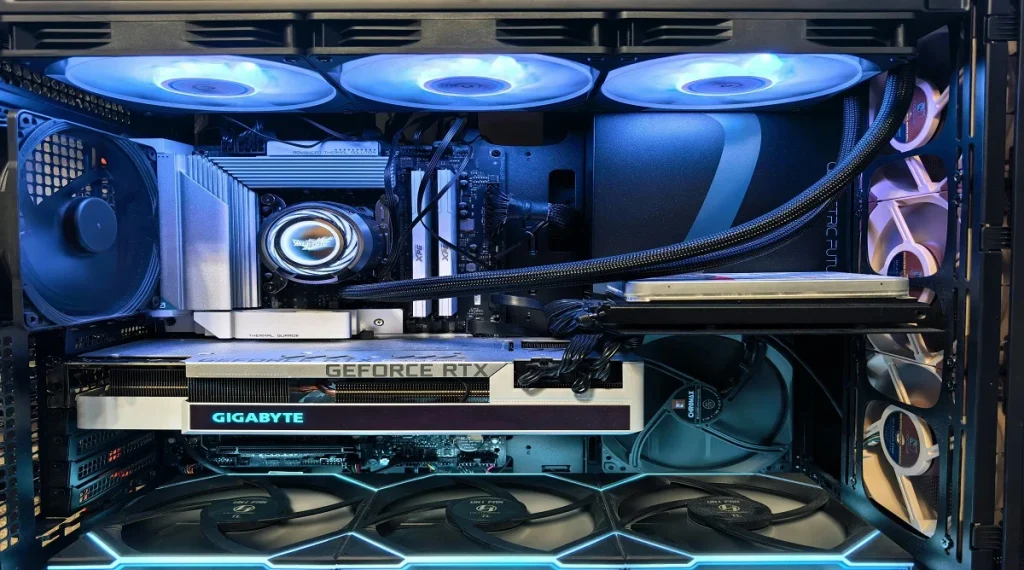
Many people associate GPUs only with gaming, but they’re used for much more than that. Tasks like video editing, graphic design, and other visually intensive work also rely on them.
Hardware specialists explain that GPUs are designed to handle heavy visual processing, which makes them useful across a range of applications.
6. Storage Type Affects System Speed
Storage isn’t just about how much space you have—it also affects how quickly your system can access data.
Experts often point out that SSDs are much faster than HDDs, which can lead to noticeable improvements in overall performance.
7. Power Supply Quality Matters More Than Many Think
The power supply unit (PSU) delivers electricity to every component in the system. If it’s low quality, it can affect stability and even risk damaging hardware.
Experts recommend choosing a reliable PSU to help protect the system and keep everything running smoothly.
8. Laptops and Desktops Use Different Hardware Designs
Laptops are built with portability and energy efficiency in mind, while desktops are designed for higher performance and easier upgrades.
Technology analysts note that these differences directly impact performance, flexibility, and how systems can be used.
9. Regular Maintenance Improves Hardware Life
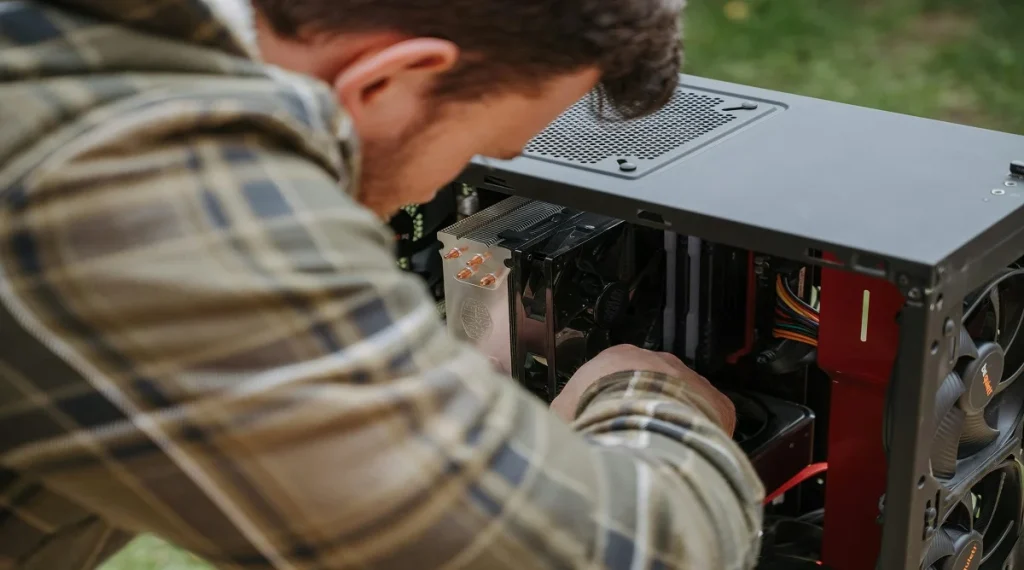
Keeping a system clean and up to date can help hardware last longer. Dust buildup and outdated software can reduce efficiency over time.
Experts often suggest regular maintenance to maintain performance and prevent avoidable issues.
Credit: Anete Lusina / Pexels
Frequently Asked Questions
Q: Why are computer hardware facts important?
A: They help users understand how systems work and make better decisions about upgrades and maintenance.
Q: Does more RAM always improve performance?
A: Not always. Performance improves only up to the system’s needs.
Q: Can hardware affect computer speed?
A: Yes, components like CPU, RAM, and storage all impact performance.
Q: How can I improve hardware performance?
A: Upgrading components, cleaning the system, and keeping software updated can help.
Key Takeaway