

Faulty Hardware Components
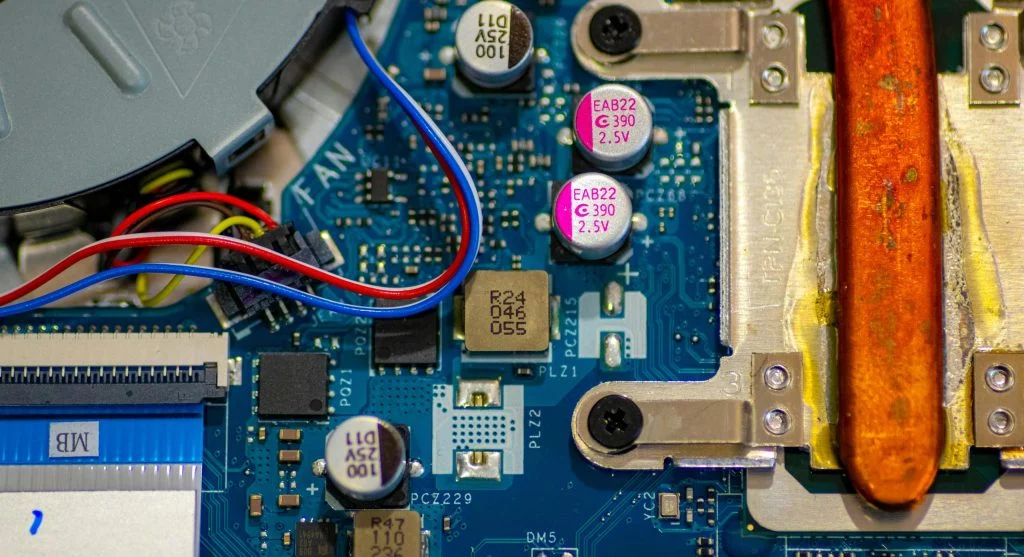
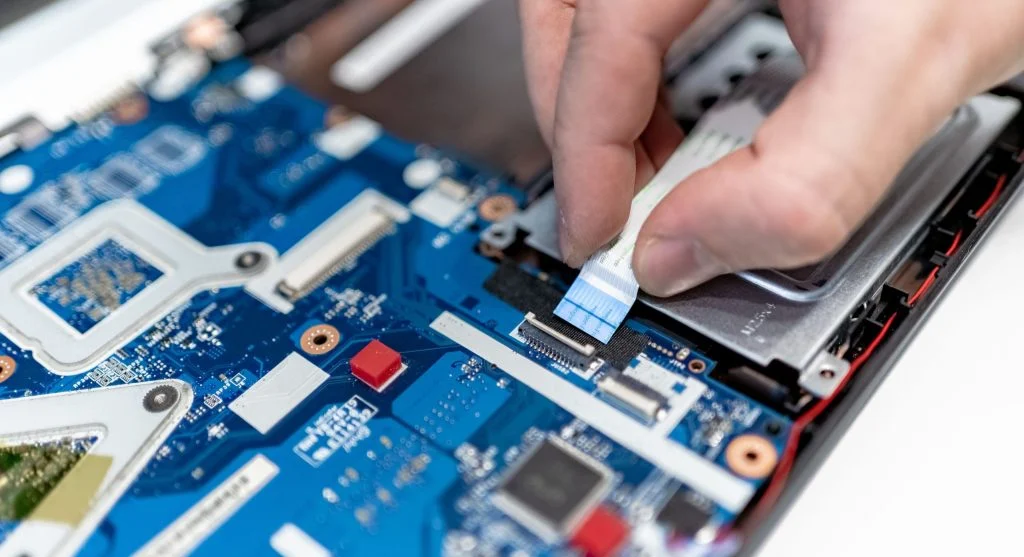
Sometimes, a computer may not turn on because of damaged hardware. Important components such as the motherboard, RAM, or CPU can fail and prevent the system from starting.
Experts note that faulty hardware may cause no power response at all or only partial startup behavior.
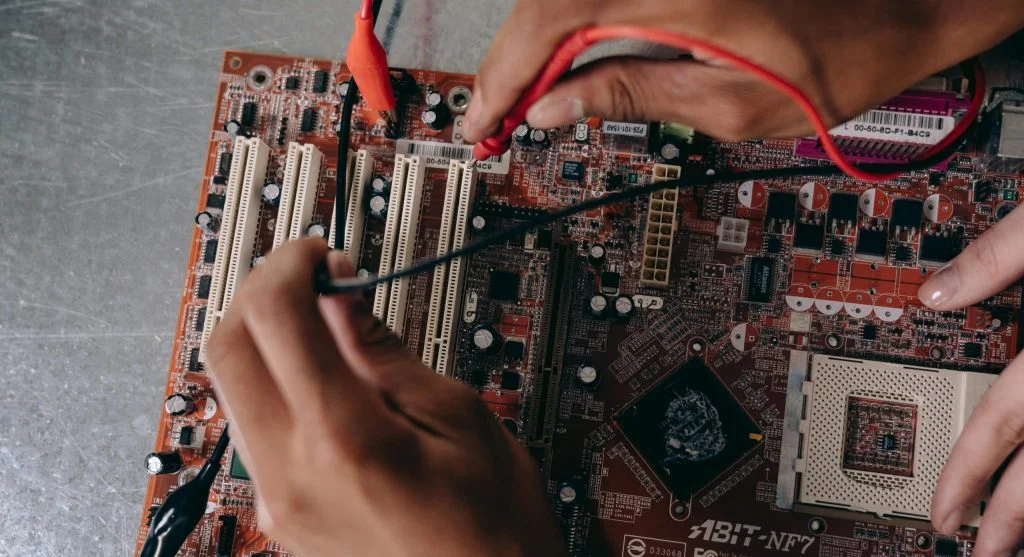
Testing components one by one can help identify which part is causing the problem.
Battery or Power Button Issues
In laptops, battery problems can prevent the system from starting. If the battery is not working properly, the device may not turn on.
Experts recommend trying to power the laptop directly with the charger. If it starts while plugged in, the battery may need to be replaced.
The power button itself can also fail. If pressing it does nothing, the button may be faulty.
Overheating Protection
Some systems have safety features that prevent startup when overheating is detected. This helps protect the internal components from damage.
Dust buildup and blocked airflow can lead to overheating. Hardware specialists suggest cleaning the system regularly to keep air moving properly.
Letting the system cool down may help restore normal function.
Simple Steps to Troubleshoot the Problem
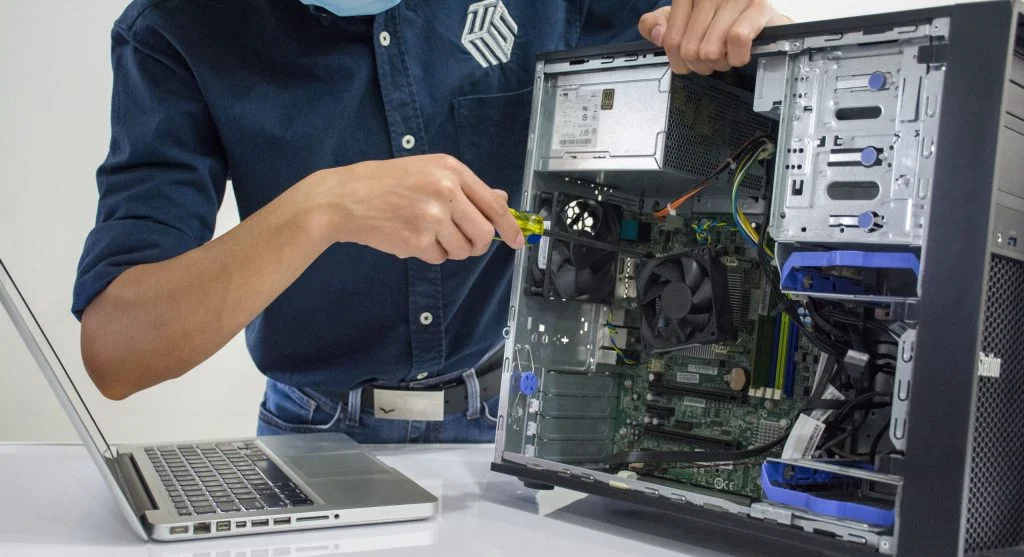
If facing a computer not turning on, following basic steps can help identify the issue.
Experts suggest checking power connections, removing external devices, and restarting the system. Testing with minimal hardware can also help.
If the issue continues, professional inspection may be required.
Frequently Asked Questions
Q: Why is my computer not turning on at all?
A: This can happen due to power issues, faulty hardware, or loose connections.
Q: Can a bad power supply stop a PC from turning on?
A: Yes, a faulty power supply can prevent the system from receiving power.
Q: What should I check first?
A: Check the power cable, outlet, and connections before testing other components.
Q: Should I repair it myself?
A: Basic checks are safe, but complex issues may require professional help.
Key Takeaway
A computer not turning on is often caused by simple issues like power problems or loose connections. Identifying the cause step by step helps resolve the issue quickly. Regular maintenance and careful handling can prevent many startup problems.