

Credit: Sergei Starostin / Pexels
How RAM Works in a Computer
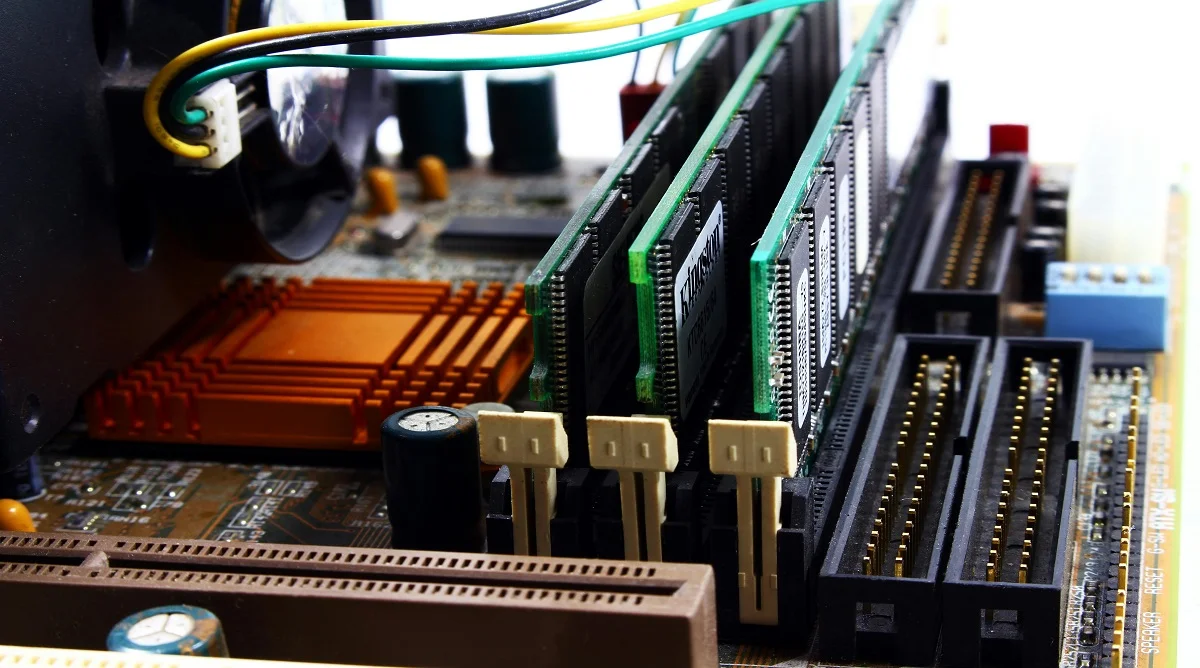
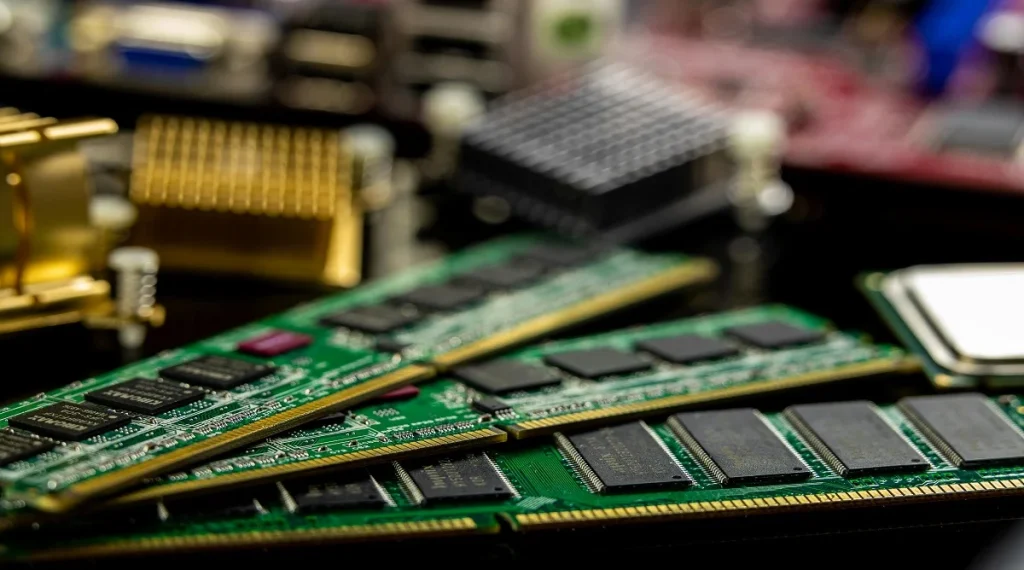
To better understand what RAM is, it helps to look at how it functions. RAM stores the data your system needs to access quickly while tasks are running.
When multiple programs are open at the same time, RAM manages their active data. This allows the system to switch between tasks smoothly without noticeable delays.
Hardware specialists often point out that RAM is much faster than storage drives. That speed is what helps computers respond quickly to commands.
Types of RAM Used in Modern Computers
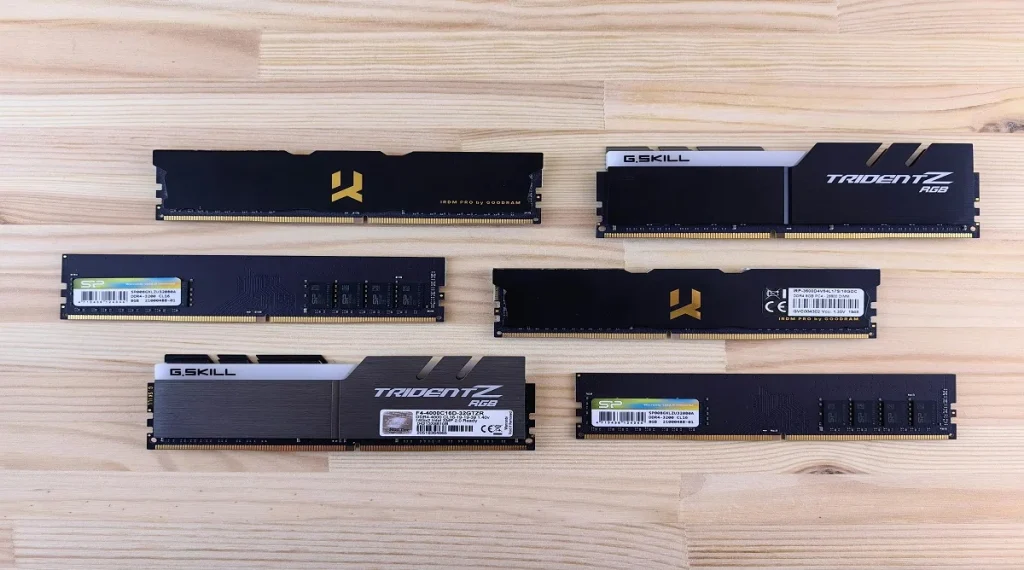
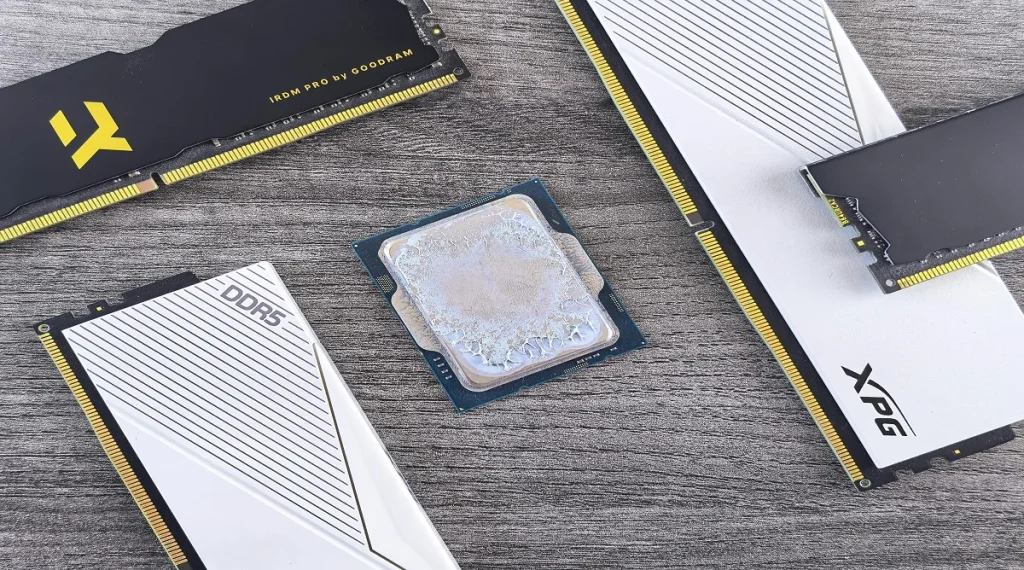
There are several types of RAM used in modern devices, with DDR4 and DDR5 being the most common.
Experts explain that newer versions generally offer faster performance and improved efficiency. Choosing the right type depends on what your system supports.
Laptops and desktops can use different RAM sizes and formats, so it’s important to check compatibility before upgrading or buying.
Credit: Andrey Matveev / Pexels
How Much RAM Do You Really Need
Understanding what RAM is also helps you decide how much memory you actually need. The right amount depends on how you use your computer.
Experts often suggest 8GB of RAM for everyday tasks like browsing, streaming, and office work. More demanding activities such as gaming, video editing, or heavy multitasking may require 16GB or more.
Choosing the right amount helps maintain good performance without spending more than necessary.
Signs Your Computer Needs More RAM
Not having enough RAM can lead to noticeable performance issues. Knowing the signs can help you decide when it’s time for an upgrade.
Common indicators include slow multitasking, lag when switching between programs, and delayed system responses. Hardware experts also note that systems may freeze or become unresponsive when memory is overloaded.
Upgrading RAM can often improve speed and make the overall system feel smoother and more responsive.
Credit: Andrey Matveev / Pexels
Difference Between RAM and Storage
Many users confuse RAM and storage, but they serve very different purposes in a computer.
RAM is temporary memory that holds data the system is actively using. Storage such as an SSD or HDD keeps data saved permanently, even when the computer is turned off.
Experts often explain it simply: RAM affects how fast your system runs, while storage determines how much data you can store.
Frequently Asked Questions
Q: What is RAM in simple terms?
A: RAM is temporary memory that helps a computer run programs quickly.
Q: Does more RAM make a computer faster?
A: Yes, more RAM can improve multitasking and overall performance.
Q: Is RAM the same as storage?
A: No, RAM is temporary memory, while storage keeps data permanently.
Q: Can RAM be upgraded?
A: Yes, many computers allow RAM upgrades depending on the model.