

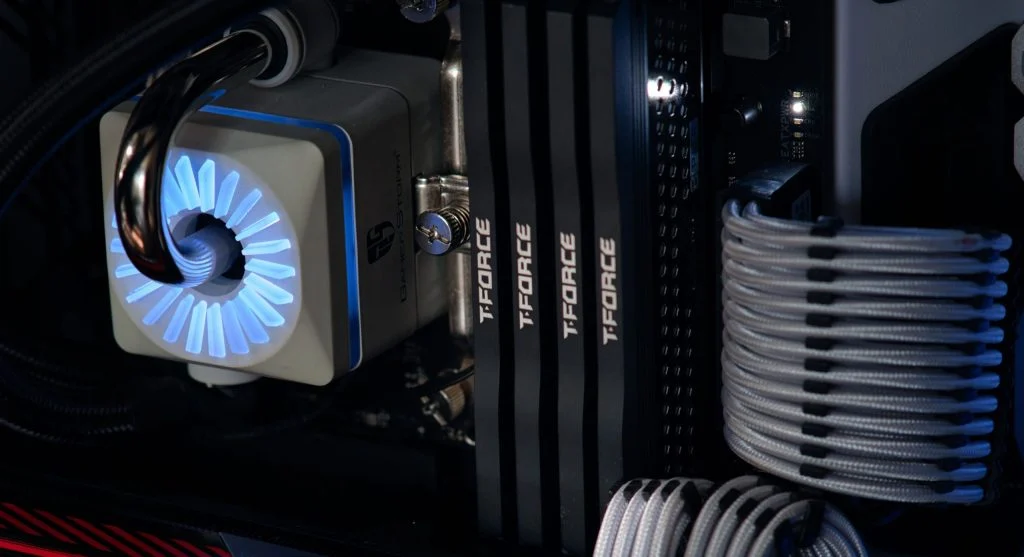
Understanding thermal throttling helps explain why computers slow down during heavy use. Thermal throttling is a built-in safety feature that lowers performance when temperatures get too high.
Technology experts explain that this helps protect hardware from overheating damage. However, it can also affect speed and responsiveness.
What Is Thermal Throttling and Why It Matters
Thermal throttling happens when a CPU or GPU reduces its speed to bring the temperature down.
This usually occurs when the system becomes too hot.
Experts note that it helps prevent hardware damage, but it also reduces performance.
How Thermal Throttling Works
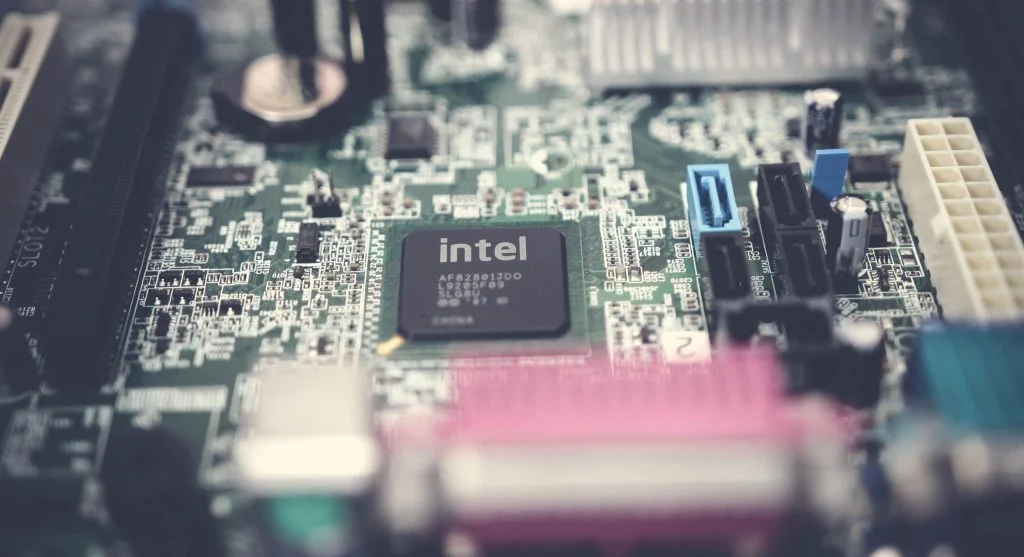
To understand thermal throttling, it helps to know what happens inside the system. When the temperature reaches a certain limit, the computer reduces clock speed.
This helps lower heat generation.
Experts explain that performance drops temporarily so the components stay protected.
Why Thermal Throttling Happens
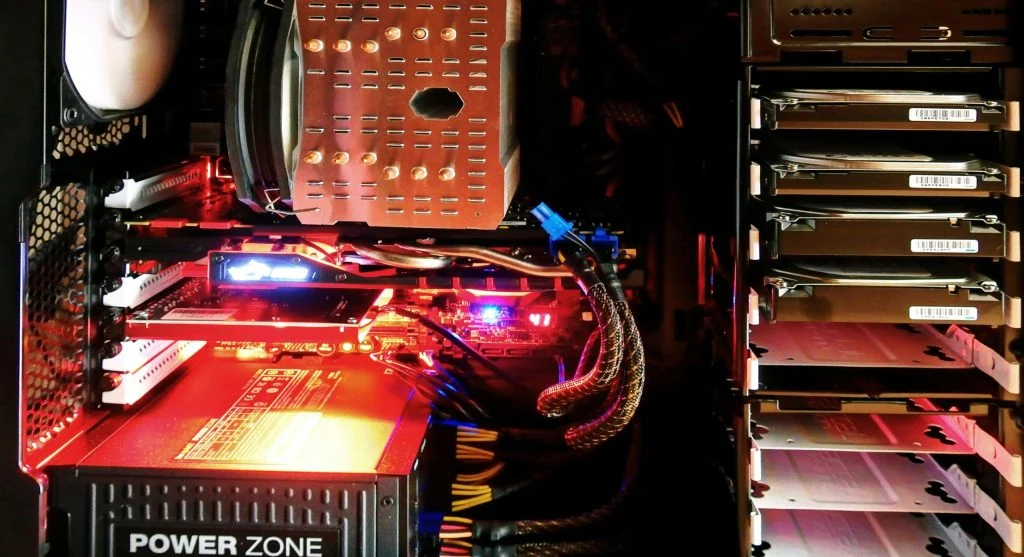
Thermal throttling happens because of overheating. Common causes include dust buildup, poor airflow, and heavy workloads.
Experts note that laptops are more likely to face this issue.
Compact designs limit cooling.
Frequently Asked Questions
Q: What is thermal throttling in simple terms?
A: It is when the system slows down to reduce heat.
Q: Is thermal throttling bad?
A: It protects hardware but reduces performance.
Q: How do I stop thermal throttling?
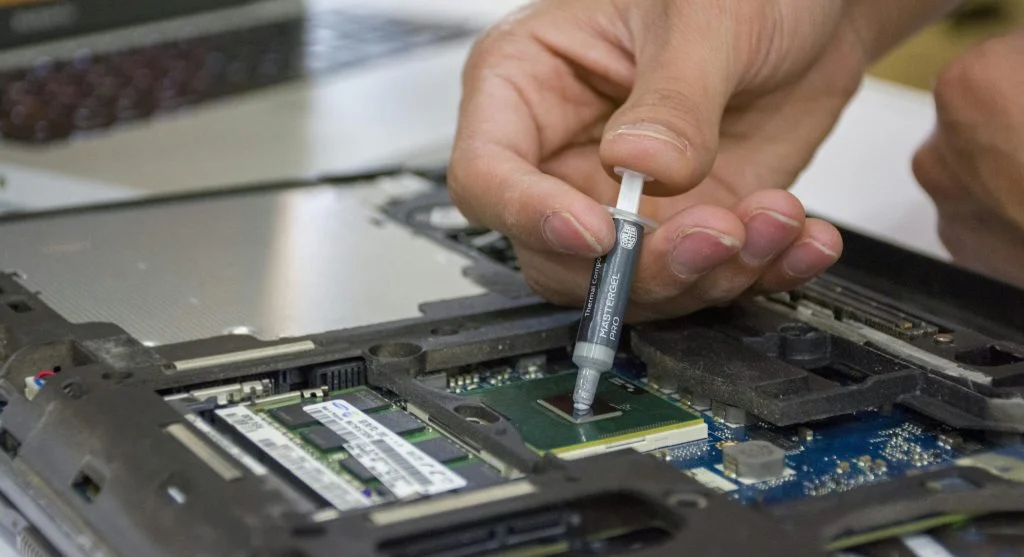
A: Improve cooling and reduce system load.
Q: Does thermal throttling affect gaming?
A: Yes, it can reduce performance and frame rates.