

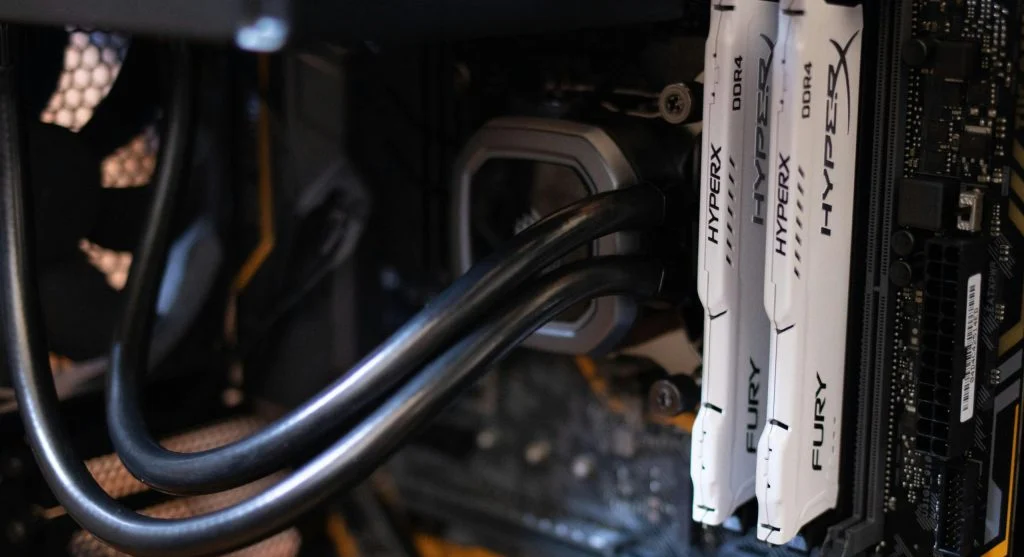
Understanding what is BIOS helps explain how a computer starts. BIOS is the first software that runs when a system is powered on.
Technology experts explain that BIOS initializes hardware and prepares the system to load the operating system. It plays a critical role in startup.
What Is BIOS and Why It Matters
BIOS stands for Basic Input/Output System. It is firmware stored on a chip on the motherboard.
When learning what is BIOS, it is important to know that it controls the startup process.
Experts note that without BIOS, a computer cannot boot properly.
How BIOS Works
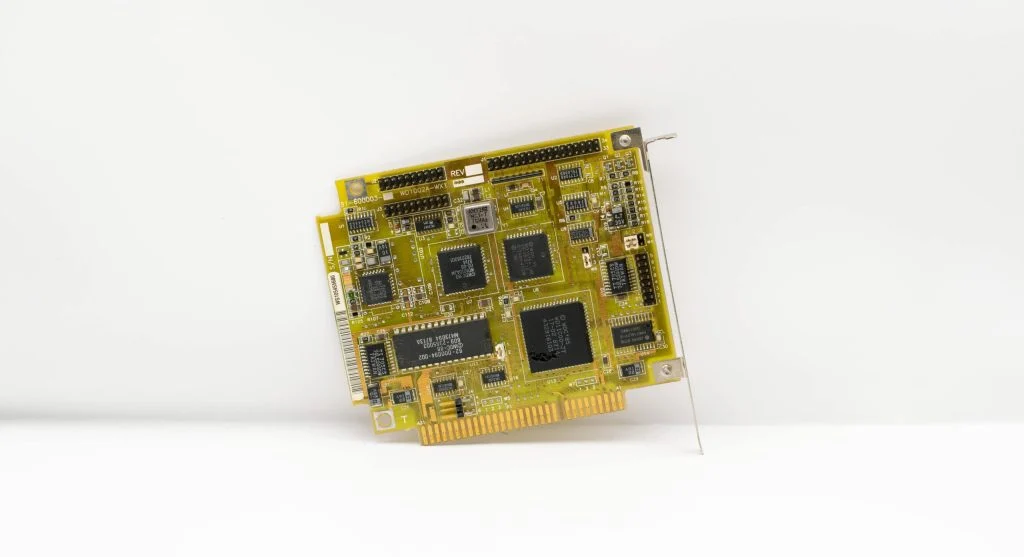
To understand what is BIOS, it helps to know how it works. BIOS runs a Power-On Self-Test (POST) when the computer starts.
This checks hardware components like RAM and storage.
Experts explain that BIOS then loads the operating system.
Main Functions of BIOS
BIOS performs several important tasks. These include hardware initialization, system configuration, and boot management.
It also provides settings for system control.
Experts note that BIOS ensures the system is ready to operate.
BIOS vs UEFI
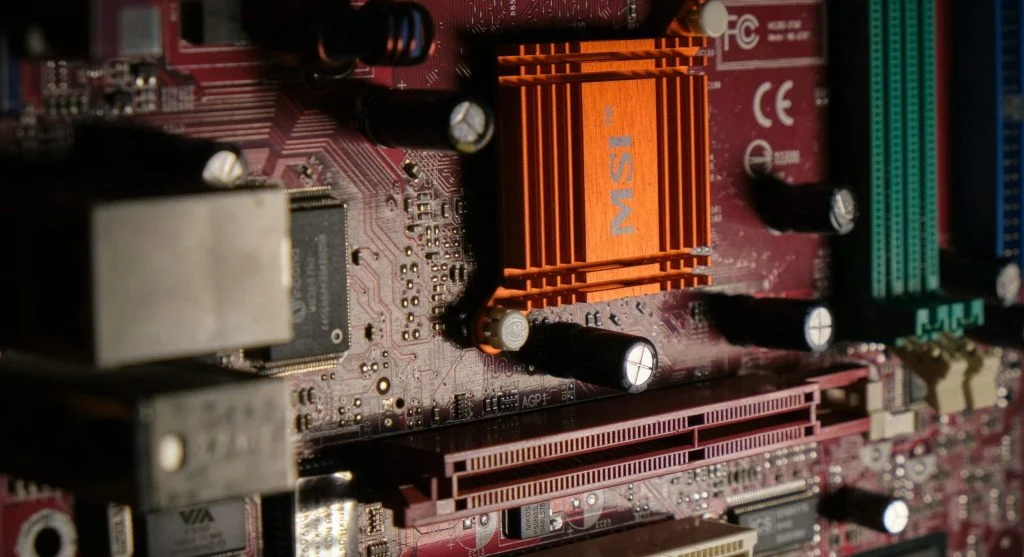
Understanding what is BIOS also includes modern alternatives. UEFI is a newer version of BIOS with improved features.
UEFI offers faster boot times and better security.
Experts note that many modern systems use UEFI instead of traditional BIOS.
When You May Need to Access BIOS
Users may need to access BIOS for system settings, boot order changes, or troubleshooting.
Experts recommend accessing BIOS carefully.
Incorrect settings may affect system performance.
Common BIOS Issues
BIOS problems can prevent a computer from starting. These include incorrect settings or outdated firmware.
Experts suggest resetting BIOS if issues occur.
Updating firmware can also improve compatibility.
Frequently Asked Questions
Q: What is BIOS in simple terms?
A: It is firmware that starts the computer and checks hardware.
Q: Is BIOS the same as OS?
A: No, BIOS runs before the operating system.
Q: Can I update BIOS?
A: Yes, but it should be done carefully.
Q: What is UEFI?
A: It is a modern version of BIOS with advanced features.
Key Takeaway
What is BIOS is a fundamental concept in computing. BIOS initializes hardware and starts the system before the operating system loads. Understanding BIOS helps users manage and troubleshoot their computers effectively.