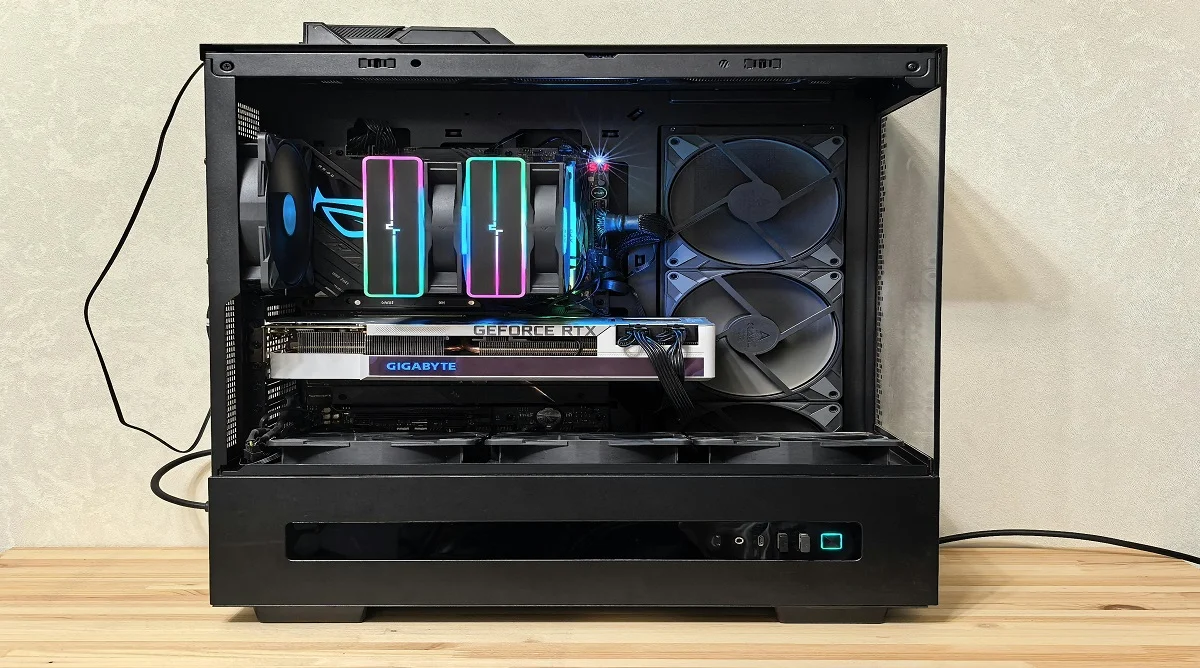
Learning how to build a PC gives users the ability to create a system that truly fits their needs. It offers more control over performance, cost, and future upgrades compared to prebuilt options.
Hardware experts often point out that modern PC building is much simpler than many people expect. With the right preparation and clear steps, even beginners can put together a system safely and successfully.
Why Build a PC Instead of Buying One
Understanding how to build a PC gives users more flexibility. A custom build can be tailored for specific tasks like gaming, work, or everyday use.
Technology specialists also note that building your own PC makes future upgrades easier. Instead of replacing the entire system, individual parts can be swapped out as needed.
Before getting started, it’s important to understand the main components, as each one plays a role in overall performance.
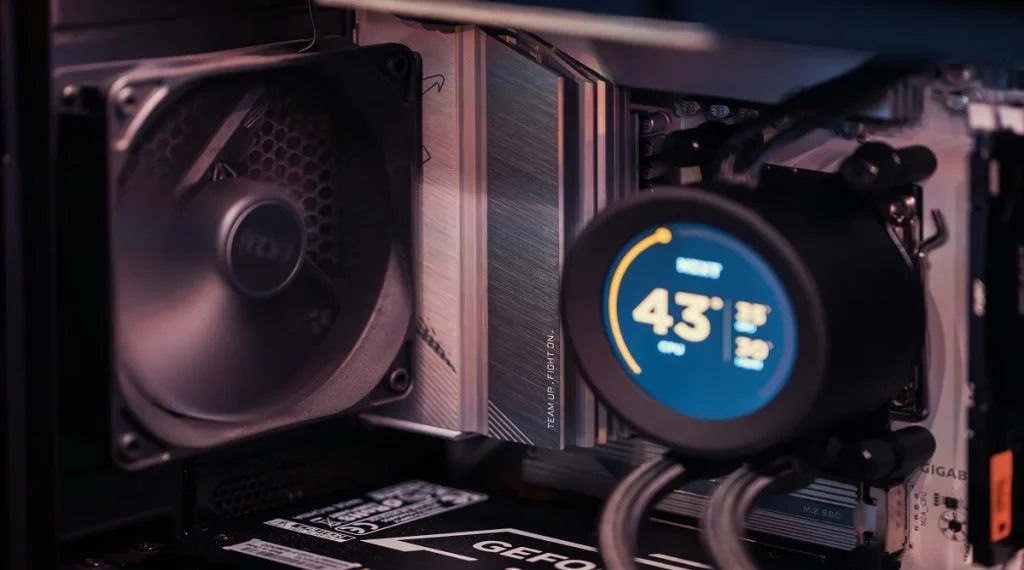
The key parts include the CPU, motherboard, RAM, storage, power supply, case, and a graphics card if needed. Experts recommend choosing components that are compatible with each other to avoid problems during the build.
Checking compatibility in advance helps ensure a smoother process and a system that works properly from the start.
How to Build a PC Step by Step
Following a clear set of steps can make building a PC much easier, especially for beginners. Each step should be done carefully.
Step 1: Prepare the Workspace
Set up a clean, flat surface with good lighting. Keep your tools nearby and reduce static electricity by touching a metal surface before handling components.
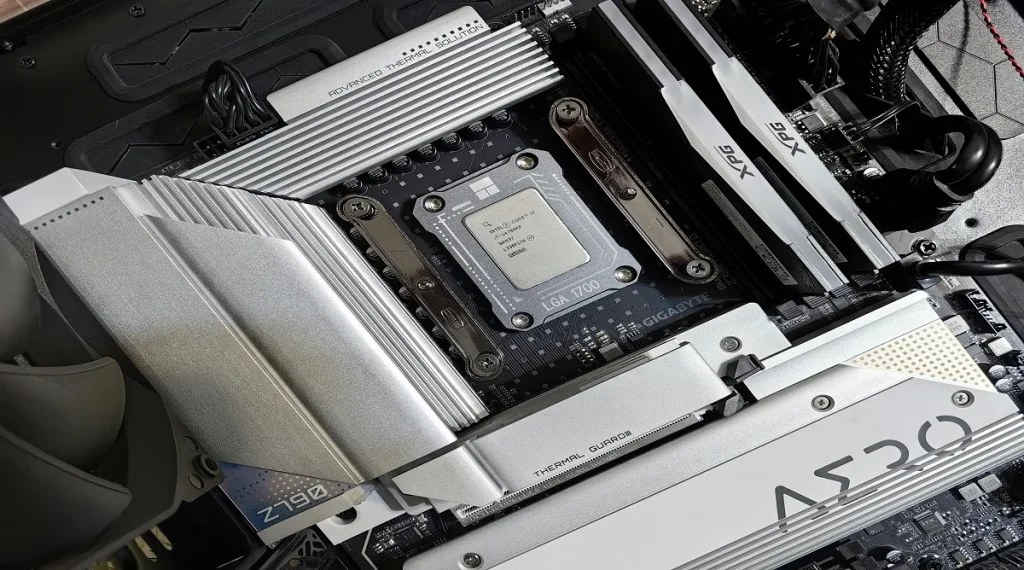
Step 2: Install CPU and RAM
Carefully place the CPU into the motherboard socket, making sure it’s aligned correctly. Then install the RAM into the slots until it clicks securely into place.
Step 3: Mount the Motherboard
Position the motherboard inside the case and secure it with screws. Make sure it lines up properly with the case ports.
Step 4: Add Storage and Power Supply
Install the storage drive and place the power supply in the case. Connect the necessary cables to the motherboard and other components.
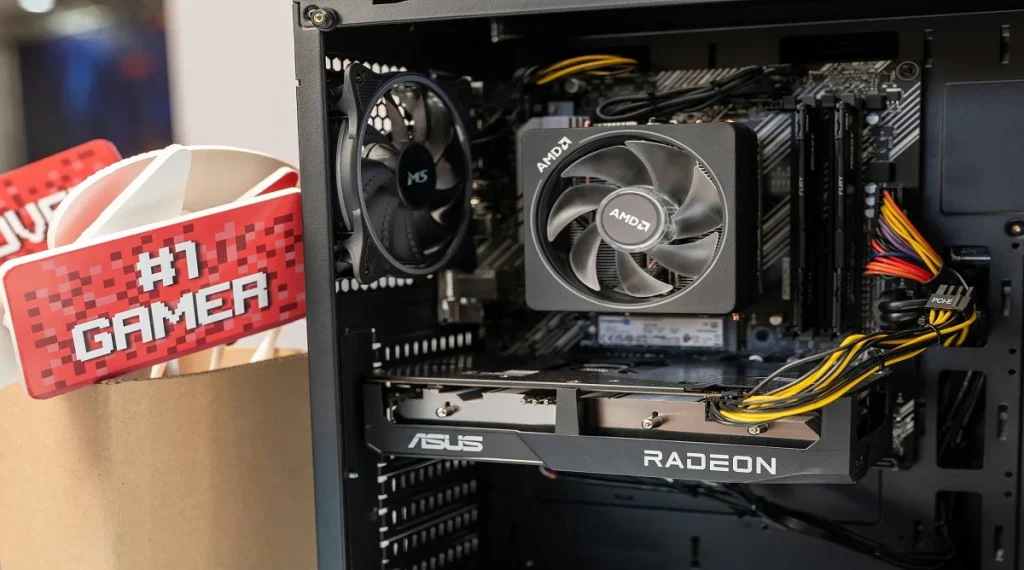
Step 5: Install Graphics Card
If you’re using a graphics card, insert it into the PCIe slot and secure it in place. Connect any required power cables.
Step 6: Final Connections and Startup
Double-check all connections, close the case, and power on the system. Install the operating system to complete the setup.
Understanding how to build a PC also helps you decide whether it’s the right option for you. Building is a good choice for users who want more control and customization over their system.
Experts often point out that it’s also a valuable way to learn how computers work. This knowledge can make future troubleshooting and upgrades much easier.
For those who prefer simplicity, a pre-built system may be more convenient. However, building a PC offers greater flexibility in the long run.
Frequently Asked Questions
Q: Is building a PC hard for beginners?
A: No, with clear steps and guidance, beginners can build a PC successfully.
Q: How long does it take to build a PC?
A: Most beginners can complete a build in a few hours.
Q: Do I need special tools to build a PC?
A: Basic tools like a screwdriver are usually enough.
Q: Can I upgrade my PC later?
A: Yes, custom-built PCs are easy to upgrade with new components.
Key Takeaway
Learning how to build a PC gives users more control over performance and customization. By following clear steps and avoiding common mistakes, beginners can put together a reliable system. Understanding the process also makes future upgrades and maintenance much easier.