

Knowing how to speed up a slow computer can make everyday tasks smoother and far less frustrating. Many systems gradually lose performance over time, often due to common issues that are relatively easy to fix.
Technology experts often point out that a few simple changes can noticeably improve speed. This guide focuses on practical methods that can help restore performance without the need for new hardware.
Why Computers Slow Down Over Time
Before learning how to speed up a slow computer, it helps to understand what causes the slowdown in the first place. Over time, software, files, and background processes tend to accumulate.
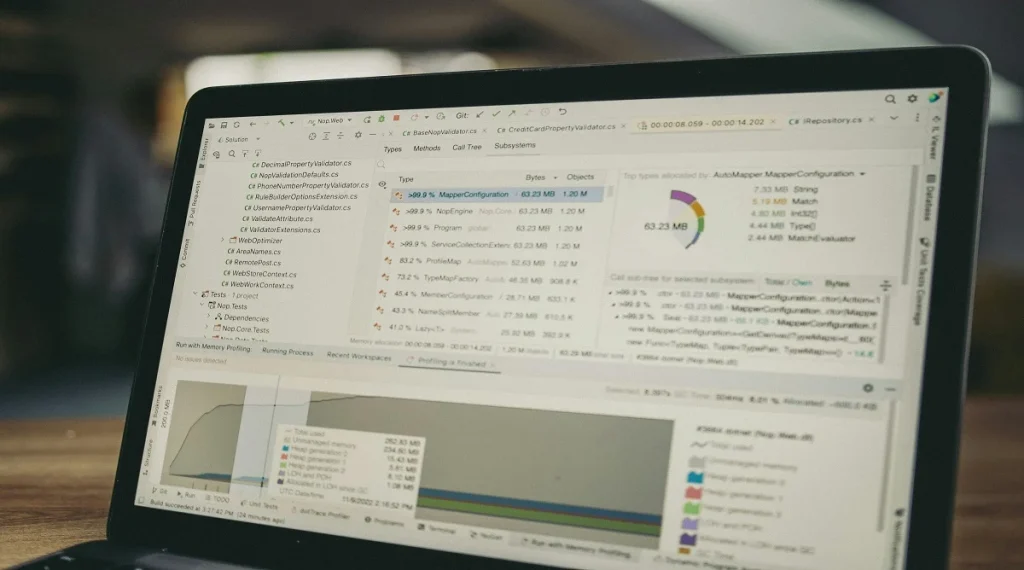
Hardware specialists explain that limited RAM, outdated storage, and too many startup programs can all affect performance. Identifying these factors makes it easier to apply the right solutions.
Credit: Daniil Komov / Pexels
1. Remove Unnecessary Startup Programs
Many programs are set to launch automatically when the computer starts, which can slow down boot time and use up system resources.
Experts recommend disabling any startup programs that aren’t essential. This helps the system load faster and improves overall performance.
2. Free Up Storage Space
Running low on storage can impact how well a computer performs. Temporary files, downloads, and unused applications often take up valuable space.
Technology analysts suggest removing unnecessary files and clearing temporary data regularly. Keeping storage organized can help maintain system speed.
3. Upgrade to an SSD
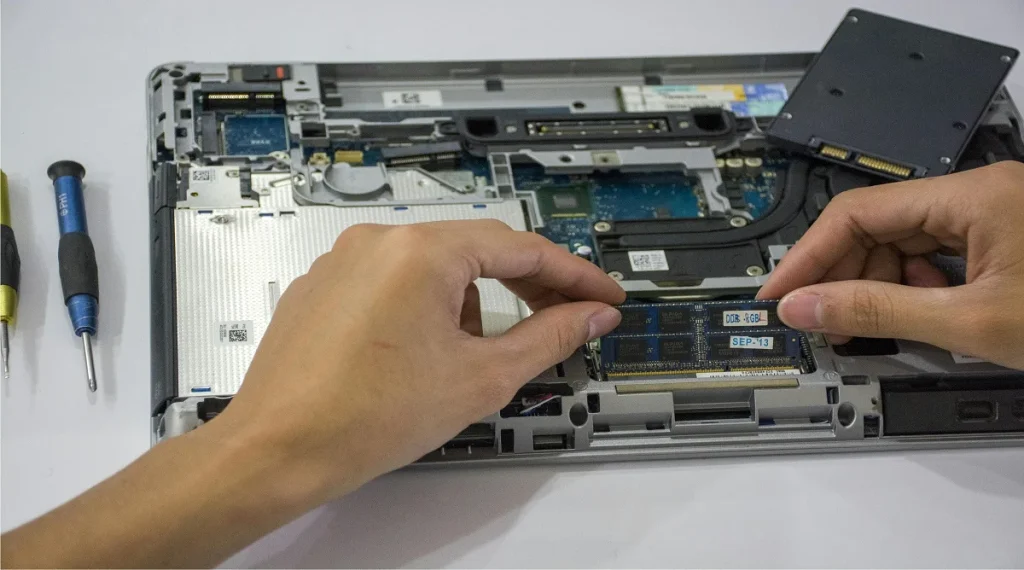
Switching from a traditional hard drive to a solid-state drive (SSD) is one of the most effective ways to speed up a slow computer.
SSDs access data much faster, which improves load times and overall responsiveness. Hardware experts often note that this upgrade delivers noticeable improvements right away.
Credit: Elias Gamez / Pexels
Credit: Vít Staniček / pexels
Frequently Asked Questions
Q: What is the fastest way to speed up a slow computer?
A: Upgrading to an SSD and adding RAM are among the fastest ways to improve performance.
Q: Can software alone fix a slow computer?
A: Yes, cleaning files, removing startup programs, and updating software can improve speed.
Q: How often should I clean my computer?
A: Experts recommend regular maintenance every few weeks to keep systems running smoothly.
Q: Does restarting help performance?
A: Yes, restarting clears temporary data and refreshes system processes.
Key Takeaway